

What Is MFA? A Plain-English Guide to Multi-Factor Authentication for Business Owners
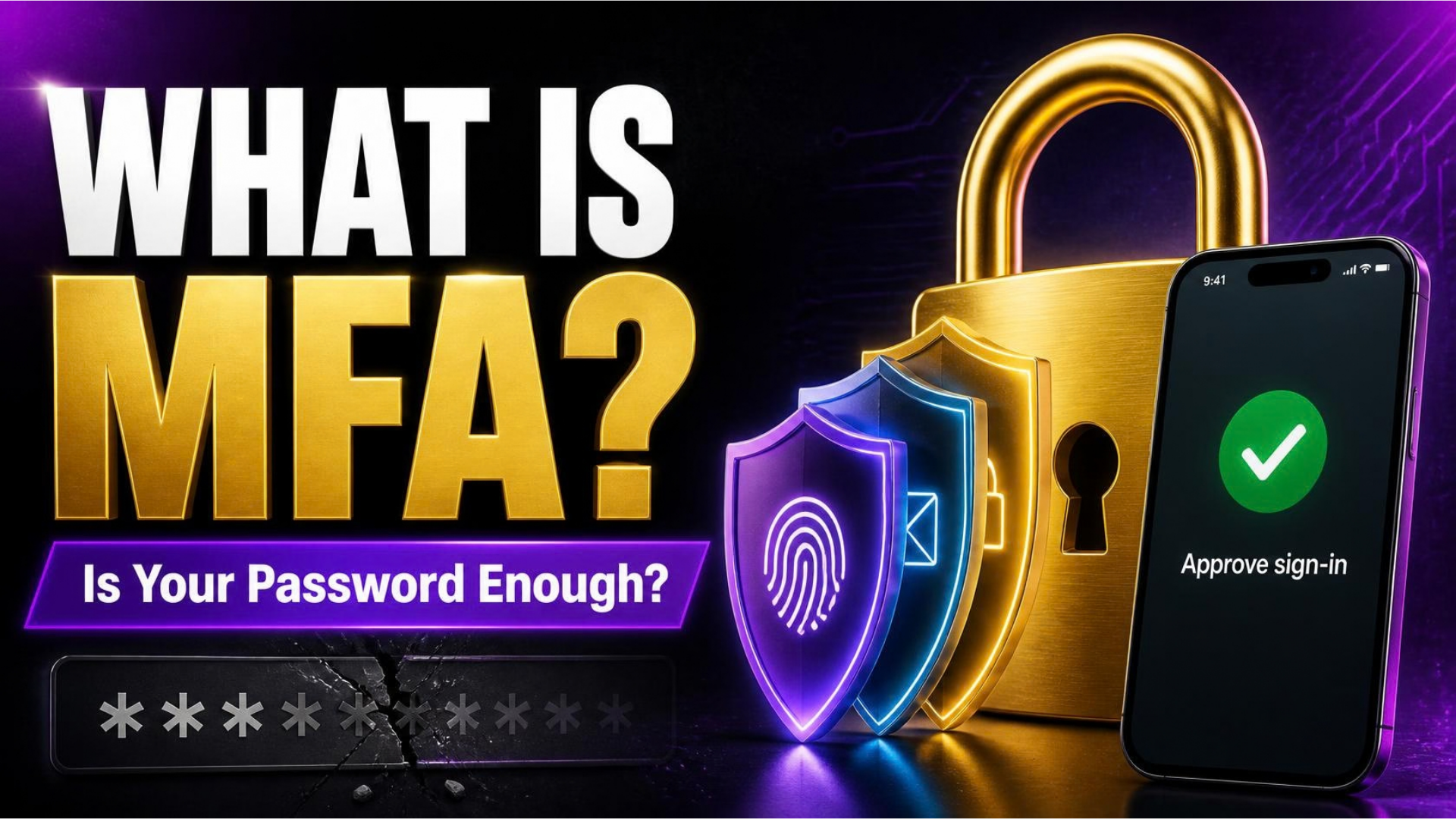
It's a Tuesday morning at a small insurance agency in Tampa Bay. An account manager gets an email that looks like it came from a carrier. She clicks the link, enters her Microsoft 365 username and password on what looks like a normal login page, and goes back to work. Within minutes, a criminal on the other side of the world is reading her inbox, browsing client policy documents, and setting up a hidden rule to intercept replies about premium payments.
Now replay that same morning with one change. The attacker has her password, but when they try to sign in, Microsoft asks for a second proof of identity: a tap on a phone they don't have, or a security key they can't touch. The attack ends right there.
That one change is multi-factor authentication, or MFA. It is one of the most effective security controls available to a small business, and it is also one of the most misunderstood. In this guide, we'll explain what MFA is, walk through the common types you're likely to encounter, cover the honest pros and cons of each, and look at real attacks where MFA made all the difference.
What Is MFA?
Authentication simply means proving you are who you say you are. For decades, the standard way to do that online was a password. The trouble is that a password is a single secret. If anyone else learns it, the system has no way to tell the difference between you and them.
Multi-factor authentication solves this by requiring two or more different kinds of proof before granting access. Security professionals group those proofs into three categories:
• Something you know: a password, PIN, or answer to a security question
• Something you have: your phone, an authenticator app, a hardware security key, or a smart card
• Something you are: a biometric such as your fingerprint or face
The key word is different. A password plus a security question is two steps, but both are things you know, and a criminal who phished one can often find the other on social media. A password plus a prompt on your phone combines something you know with something you have. Now an attacker needs to steal two completely different types of evidence, which is dramatically harder.
You'll also see the terms two-factor authentication (2FA) and two-step verification. These are variations on the same idea. 2FA is simply MFA with exactly two factors.
Why Passwords Alone Are No Longer Enough
Strong, unique passwords still matter, and a good password manager is one of the best tools a small business can use. But even a perfect password has weaknesses that complexity can't fix.
Phishing
Phishing doesn't crack your password. It simply asks for it. A convincing fake login page will capture a forty-character password just as easily as a weak one.
Breaches at Other Companies
When a shopping site, app, or online forum gets breached, the stolen passwords end up on lists that criminals buy and trade. If anyone on your team reused a password, attackers will automatically test it against Microsoft 365, Google Workspace, banking sites, and carrier portals. This is called credential stuffing, and it runs around the clock.
Malware
Info-stealing malware can pull saved passwords directly from a web browser and send them to an attacker without any visible sign.
Human Nature
Passwords get written on sticky notes, shared between coworkers, and built from the current season and year. That's not a character flaw. It's what happens when people juggle dozens of logins.
The Numbers
A Microsoft research study of real-world accounts found that enabling MFA reduced the risk of compromise by more than 99 percent, and it continued to protect the large majority of accounts even when the password had already been leaked. Very few security measures deliver that much protection for so little effort. It's no surprise that nearly every cyber insurance application now asks whether MFA is in place.
The Common Types of MFA, From Weakest to Strongest
Not all MFA offers the same level of protection. As a business owner, you'll probably encounter several of these methods across your bank, carrier portals, payroll platform, and Microsoft 365 environment. Here's how they compare.
1. SMS Text Message Codes
The most familiar option. The service texts a short code to your phone, and you type it in.
Pros: It works on nearly any phone, requires no app, and is easy to roll out. It is far better than no MFA at all.
Cons: Text messages were never designed as a security tool. Attackers use SIM swapping, where they convince a mobile carrier to move your number to a SIM card they control, to receive your codes. Text messages can also be intercepted, and in late 2024 federal agencies including CISA recommended moving away from SMS-based MFA where stronger options exist. Finally, a text code does nothing to stop a fake login page. If you type the code into a phishing site, the attacker simply uses it.
Bottom line: Use SMS only when it's the sole option. It should not be the protection on your email or on any system holding client data.
2. Email Codes
Some services send a verification code to your email address.
Pros: Nothing to install, and everyone has email.
Cons: Email is the account attackers target most often. If your mailbox is compromised, the attacker receives your codes too. Email codes also make your inbox a single master key for everything else.
Bottom line: Acceptable for low-risk websites, but never appropriate as the second factor for your email account itself.
3. Voice Call Codes
The service calls your phone, and an automated voice reads a code or asks you to press a key.
Pros: It works with landlines, which can help in certain office situations.
Cons: It shares the same weaknesses as SMS because it depends on your phone number, which can be hijacked through SIM swapping or call forwarding. It's also slow, and many major platforms are phasing it out.
Bottom line: Treat voice codes the same as SMS. Better than nothing, but not the goal.
4. Authenticator App Codes
Apps such as Microsoft Authenticator, Google Authenticator, or the authenticator built into a password manager generate a six-digit code that changes every thirty seconds. The technical term is time-based one-time password, or TOTP.
Pros: Codes are generated on your device rather than sent over the phone network, so SIM swapping doesn't work. The apps work without cell service, which is useful during a hurricane or outage. They're free and widely supported.
Cons: A code can still be phished. A fast attacker can relay a valid code from a fake page within its thirty-second window. Employees who replace their phones without moving their accounts can also lock themselves out, so backup codes and a device-change process are essential.
Bottom line: A solid, practical step up from SMS for everyday users.
5. Push Notifications With Number Matching
Instead of typing a code, you receive a prompt on your phone asking you to approve or deny a sign-in. Microsoft Authenticator, Duo, and Okta Verify all support this.
Pros: It's the most convenient method available. One tap, and users actually keep using it.
Cons: Attackers who already have a password can trigger prompt after prompt, often late at night, until a tired employee taps approve just to make them stop. This is known as MFA fatigue or push bombing.
The industry responded with number matching. The login screen displays a number, and the user must type that number into the app to approve. If you didn't start the sign-in, you won't have the number. Microsoft now requires number matching in Authenticator. Look for prompts that also show the location and application requesting access.
Bottom line: Push with number matching is a strong everyday standard for most small business staff.
6. Hardware Security Keys (FIDO2)
These small physical devices plug into a USB port or tap against a phone. YubiKey is the best-known brand, and the underlying standard is called FIDO2.
Pros: This is the gold standard for account protection. A security key verifies the actual website address before it responds. If an employee lands on a fake Microsoft login page, the key recognizes that the site isn't real and refuses to authenticate. Even when the person is fooled, the key is not. That's why these are called phishing-resistant.
Cons: Keys have to be purchased and physically distributed, and people can lose them. Each user needs a backup key or backup method. Not every website supports them yet, though major platforms such as Microsoft, Google, and leading password managers do.
Bottom line: Ideal for owners, IT administrators, and anyone who can move money or change security settings.
7. Passkeys
Passkeys use the same FIDO technology as hardware keys, but they live on your phone, computer, or password manager and are unlocked with your fingerprint, face, or device PIN.
Pros: They're phishing-resistant, fast, and often replace the password entirely, which means there's no password left to steal. Microsoft, Google, and Apple are all moving aggressively in this direction.
Cons: Support still varies from site to site. Businesses need a plan for managing passkeys, especially when an employee leaves, and should think carefully before letting business credentials sync into personal cloud accounts.
Bottom line: The future of sign-in, and a great fit for your most important accounts where supported.
A Note on Biometrics
Fingerprints and face scans usually aren't sent to the website at all. They unlock something on your device, such as a passkey or authenticator app, and the device proves your identity. Your biometric never leaves your phone. Biometrics work best as the key that unlocks a strong factor, not as a standalone factor.
The MFA Ladder
• Weakest: Email codes, SMS codes, and voice calls
• Strong everyday standard: Authenticator apps and push notifications with number matching
• Phishing-resistant gold standard: Passkeys and hardware security keys
How MFA Stops (and Fails to Stop) Real Attacks
The pattern behind major breaches repeats itself often enough that every business owner should know these stories.
Colonial Pipeline (2021): One Password, No Second Factor
Investigators found that attackers entered Colonial Pipeline's network through an old VPN account that didn't use MFA. The password had appeared in a set of leaked credentials. The resulting ransomware attack shut down a major fuel pipeline and led to gas shortages along the East Coast.
Change Healthcare (2024): A Remote Access Portal Without MFA
In one of the largest healthcare breaches in U.S. history, attackers used stolen credentials to log into a Change Healthcare remote access portal that did not have MFA enabled, according to congressional testimony from UnitedHealth Group's CEO. The disruption rippled through pharmacies and medical practices nationwide, including here in Florida.
Both organizations had substantial security resources. Both were undone by a single account protected by a password alone. Small businesses face the same risk on a smaller scale every day.
Uber (2022): MFA Fatigue
An attacker with a contractor's password flooded him with push notifications, then contacted him on WhatsApp posing as Uber IT support and said the prompts would stop once he approved one. He approved, and the attacker was in. This incident is a major reason number matching is now standard.
MGM Resorts (2023): Social Engineering the Help Desk
Attackers reportedly researched an employee on LinkedIn, called the IT help desk while impersonating that person, and convinced staff to reset their credentials. MGM later estimated the financial impact at around one hundred million dollars. MFA is only as strong as the process used to reset it.
Cloudflare (2022): Security Keys Win
During a widespread text message phishing campaign that successfully breached several technology companies, some Cloudflare employees entered their usernames and passwords into a fake login page. The attack still failed, because Cloudflare required hardware security keys for every employee. The keys recognized the fake site and refused to respond. The employees were fooled, but the keys were not.
What We See at Small Businesses
• Business email compromise: An attacker phishes a Microsoft 365 password, reads email quietly, then sends a fake invoice or changes payment instructions. MFA on the mailbox stops a stolen password from being enough.
• Password spraying: Attackers try a handful of common passwords against every address at your company. When one works, MFA stops the login.
• Credential stuffing: Carrier portals, banking, payroll, and agency management systems are constantly tested with leaked passwords.
• Adversary-in-the-middle phishing: Modern phishing kits sit between the user and the real website and capture passwords and one-time codes in real time. Phishing-resistant methods such as passkeys and security keys are designed to defeat this.
Where MFA Falls Short
MFA is one of the most important security layers you can deploy, but it's still a layer. Watch for these gaps:
• Forgotten accounts: Old service accounts, shared mailboxes, and former employees' accounts are prime targets. MFA must cover every account.
• Legacy authentication: Older email protocols can allow password-only sign-ins that bypass MFA. In Microsoft 365, these should be blocked.
• Weak reset processes: If someone can talk the help desk into removing MFA, attackers will. With AI voice cloning, recognizing a voice is no longer proof of identity.
• Approving unexpected prompts: Teach one simple rule. If you didn't start a sign-in, deny the prompt and report it. An unexpected prompt means someone already has your password.
• Session theft: Some attacks steal an active session after MFA is complete. Conditional access, trusted device policies, and endpoint protection help close that gap.
MFA works best alongside strong passwords, security awareness training, email filtering, endpoint protection, and ongoing monitoring.
MFA and Compliance for Florida Insurance Agencies
Independent insurance agencies hold exactly the kind of information criminals want: driver's license numbers, dates of birth, Social Security numbers, payment details, and claims data.
The NAIC Insurance Data Security Model Law, adopted in some form by many states, specifically identifies multi-factor authentication as a control to consider for anyone accessing nonpublic information. In Florida, Rule 69O-128.032 sets expectations for how agencies safeguard client personal information. When a regulator, carrier, or underwriter asks how you protect client data, MFA on email and core systems is one of the first things they expect to hear about.
Cyber insurance applications reinforce the point. Most now ask whether MFA is required for email, remote access, and administrator accounts. Answering no can lead to higher premiums, exclusions, or a declined application. Answering yes when coverage is incomplete can create serious problems at claim time.
For agencies, MFA is part of staying compliant and staying insurable.
How to Roll Out MFA in Your Business
1. Take inventory. List every system your business uses: email, agency management system, carrier portals, banking, payroll, accounting, remote access tools, your website, and social media.
2. Prioritize. Start with email, since it can reset nearly everything else. Next, protect anything that moves money, then anything holding client data, then remote access and administrator accounts.
3. Match the method to the role. Authenticator apps with number matching work well for most staff. Owners, administrators, and anyone who handles payments should use passkeys or hardware keys. Avoid SMS wherever a stronger option exists.
4. Communicate before you enforce. Explain what's changing, why, and when. Provide a short how-to guide.
5. Plan for lost and replaced devices. Register backup methods for every user and document a verified identity process for MFA resets.
6. Enforce it everywhere and close the gaps. Block legacy sign-ins, remove unused accounts, and confirm that shared and service accounts are covered.
7. Train and reinforce. Make "never approve a prompt you didn't start" part of your regular security awareness training.
Frequently Asked Questions About MFA
Is MFA the same as two-factor authentication?
Two-factor authentication (2FA) is a type of MFA that uses exactly two factors. MFA is the broader term for using two or more. For most small businesses, the terms are used interchangeably.
Will MFA slow my team down?
Very little. Modern methods like push notifications and passkeys take a second or two, and most platforms can remember trusted devices so employees aren't prompted constantly from the office.
What should an employee do if they get an MFA prompt they didn't request?
Deny it and report it right away. An unexpected prompt usually means someone already has that person's password, and the password should be changed immediately.
What happens if someone loses their phone?
That's why every user should have a backup method registered and why your business needs a documented, verified process for resetting MFA. With a plan in place, a lost phone is a minor inconvenience instead of a lockout.
Is text message MFA better than nothing?
Yes. SMS codes still block many automated attacks. But for email, financial systems, and anything holding client data, you should move to an authenticator app, passkeys, or security keys.
Make MFA Your First Win This Cybersecurity Awareness Month
MFA means proving your identity with more than one kind of evidence. Passwords are phished, leaked, and stolen every day, and MFA blocks the overwhelming majority of those account takeovers. Text and email codes are the minimum. Authenticator apps and push with number matching are a strong everyday standard. Passkeys and hardware security keys are the phishing-resistant choice for your most important accounts.
If you're a business owner or insurance agency in Wesley Chapel, Tampa, or anywhere in Tampa Bay and you're not certain MFA is enabled everywhere it should be, Main Event Managed Services can help. We work with small businesses and independent agencies to find security gaps and close them without disrupting your team.
Want the full walkthrough? Watch our video, What Is MFA? Multi-Factor Authentication Explained for Business Owners, on the Main Event Managed Services YouTube channel, or contact us at maineventmsp.com to schedule a conversation.
