
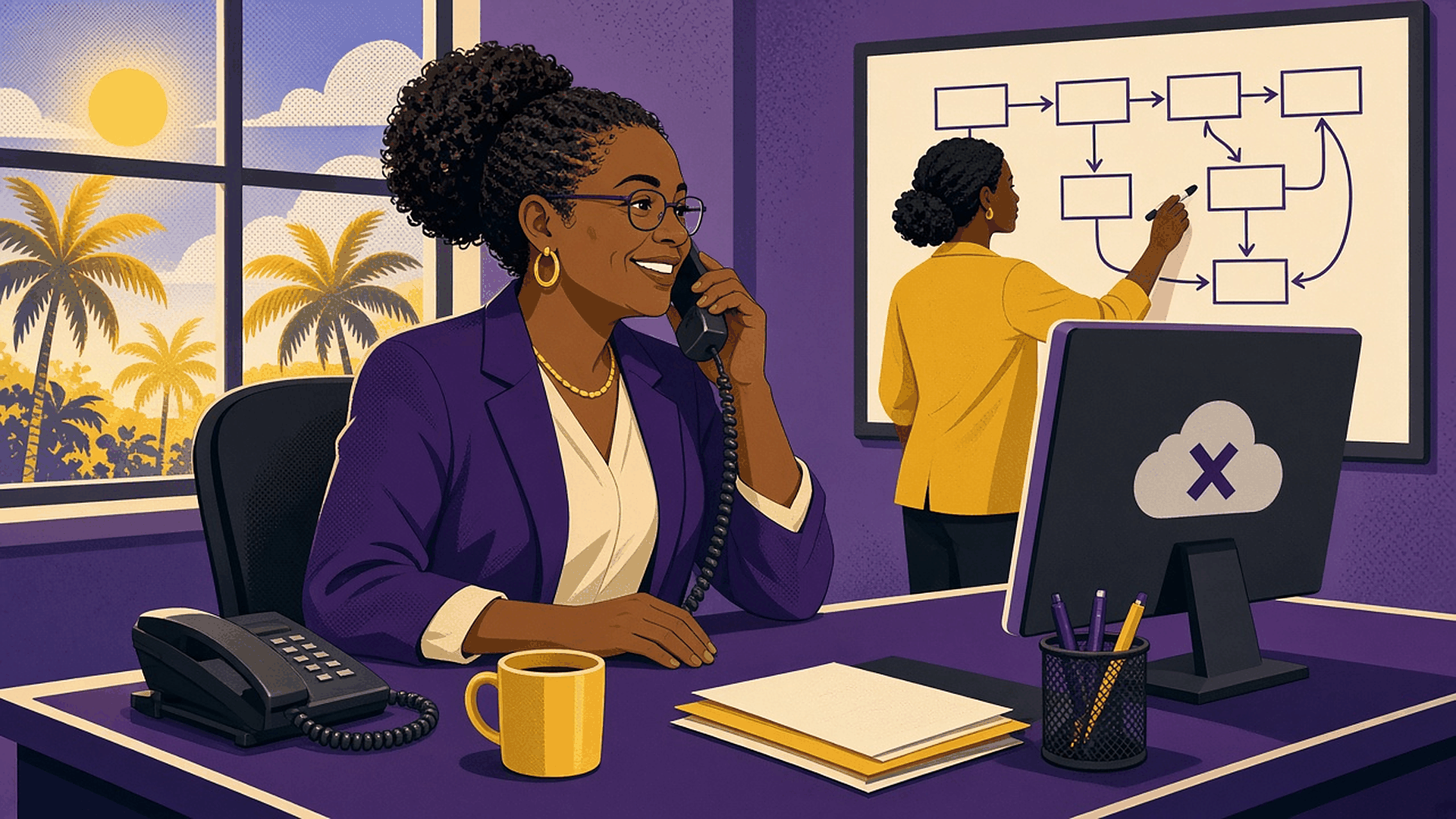
For a lot of offices, the first sign was small. An email sat in the outbox a little too long. A client called to say the certificate you sent never showed up. Then Teams started acting up, and somebody asked the question every business owner hates to hear: "Is it just us?"
It wasn't. Microsoft recently had one of the largest service problems in its history. According to CNBC, connection issues with Outlook and other Microsoft 365 services began shortly before 1 p.m. Eastern on a Thursday and dragged on for more than 20 hours for many customers. Here in Tampa Bay, the City of Tampa posted a notice that residents and partners might see delays or failures when emailing city accounts, while offices, phone lines, and 911 kept running normally.
Microsoft said it found no sign of malicious activity. That's good news. It also means there was nothing your business could have done to prevent it. In a situation like that, the only thing you control is how your office keeps working until service comes back.
This Is a Different Kind of Problem
Most continuity planning in small businesses is built around things you can fix. A server dies, a laptop gets infected, the internet connection drops. A cloud outage is different. Your computers are fine, your network is fine, and your data is almost certainly fine. You just can't reach the service most of your day runs through.
CNBC reported that Microsoft's early updates described servers that were unexpectedly unavailable and failing automated health checks, which put extra load on the rest of the system. Engineers brought things back in stages, and Microsoft extended the window that delayed messages keep retrying delivery to 48 hours so mail wouldn't be lost. In other words, a lot of email wasn't gone. It was stuck in line.
For a small office, that matters. The question isn't "how do we recover our data?" It's "how do we keep taking care of clients for a day without our main communication tool?"
What an "Email Is Down" Plan Looks Like
It doesn't need to be a binder. One page is plenty. Here's what I'd want on it.
· A way to tell clients something is wrong. A short note on your website, a temporary message on your main phone greeting, or a text to your most active clients. Pick one or two options and decide in advance who updates them.
· A backup way to reach your own team. If Outlook and Teams are both struggling, does everyone have each other's cell numbers? A simple group text list clears up a surprising amount of confusion.
· A contact list that doesn't live only in Outlook. If client and vendor phone numbers exist only in someone's Outlook contacts, an outage makes them hard to reach. Keep a current copy in your main business system or a secure shared file.
· A rule for time-sensitive documents. Decide ahead of time what happens when something has to go out right now. Can it go through a client portal? Can you read the key details over the phone? Settle it before the day comes, so nobody improvises with a personal Gmail account.
· One person watching for updates. Microsoft posts service health information for administrators, and your IT provider should be keeping an eye on it. One person checking and passing along news beats ten people refreshing Outlook.
Expect Opportunists to Follow the Headlines
Big outages create confusion, and confusion is good for phishing. It's a fair bet that some fake "Microsoft" emails will follow any major outage, asking people to re-verify an account or restore a mailbox. Remind your team that a real fix from Microsoft won't require them to type their password into a link from an email. If something looks off, they should ask before they click.
When Service Comes Back
Once mail starts flowing again, there's some cleanup. Messages may arrive hours late or out of order. Take a few minutes to:
· Confirm that anything time-sensitive actually arrived, especially quotes, signed documents, and payment confirmations
· Check for duplicates before someone resends a large batch
· Note what broke down in your process and fix that part of the plan while it's still fresh
A Note for Florida Insurance Agencies
Agencies run on email. Carrier correspondence, certificates of insurance, renewal reminders, and client questions about coverage all move through it. A day without it is more than an annoyance.
Florida Rule 69O-128.032 asks agencies to keep a written information security program with administrative, technical, and physical safeguards that fit the size of the agency. A short plan for working through a service outage fits naturally inside that program, and it gives you something concrete to point to if a carrier asks how you handle disruptions.
Don't Wait for the Next One
Cloud services are reliable most of the time, which is exactly why outages catch people flat-footed. Nobody practices for something that rarely happens. Spend an hour with your team writing down the basics, and the next outage becomes a frustrating afternoon instead of a scramble.
How Main Event Managed Services Helps
Main Event Managed Services works with small businesses and independent insurance agencies in Wesley Chapel, Tampa, and across Tampa Bay to plan for the days when technology doesn't cooperate. We can help you put together a simple continuity plan, set up backup ways to communicate, and handle the cleanup once service is back.
Want help putting your one-page plan together? Reach out at contact@maineventmsp.com, or learn about our new client assessment at https://maineventmsp.com/new-client-offer.
Sources
· Microsoft begins restoring Outlook and other 365 services. CNBC. https://www.cnbc.com/2026/11/12/microsoft-outage-outlook-aws-google.html
· Microsoft Outlook Disruption. City of Tampa. https://www.tampa.gov/news/2026-11/microsoft-outlook-disruption-197901
· Fla. Admin. Code R. 69O-128.032, Information Security Program. Legal Information Institute, Cornell Law School. https://www.law.cornell.edu/regulations/florida/Fla-Admin-Code-Ann-R-69O-128-032