

AI Chatbots at Work: A Simple One-Page Policy for Small Businesses
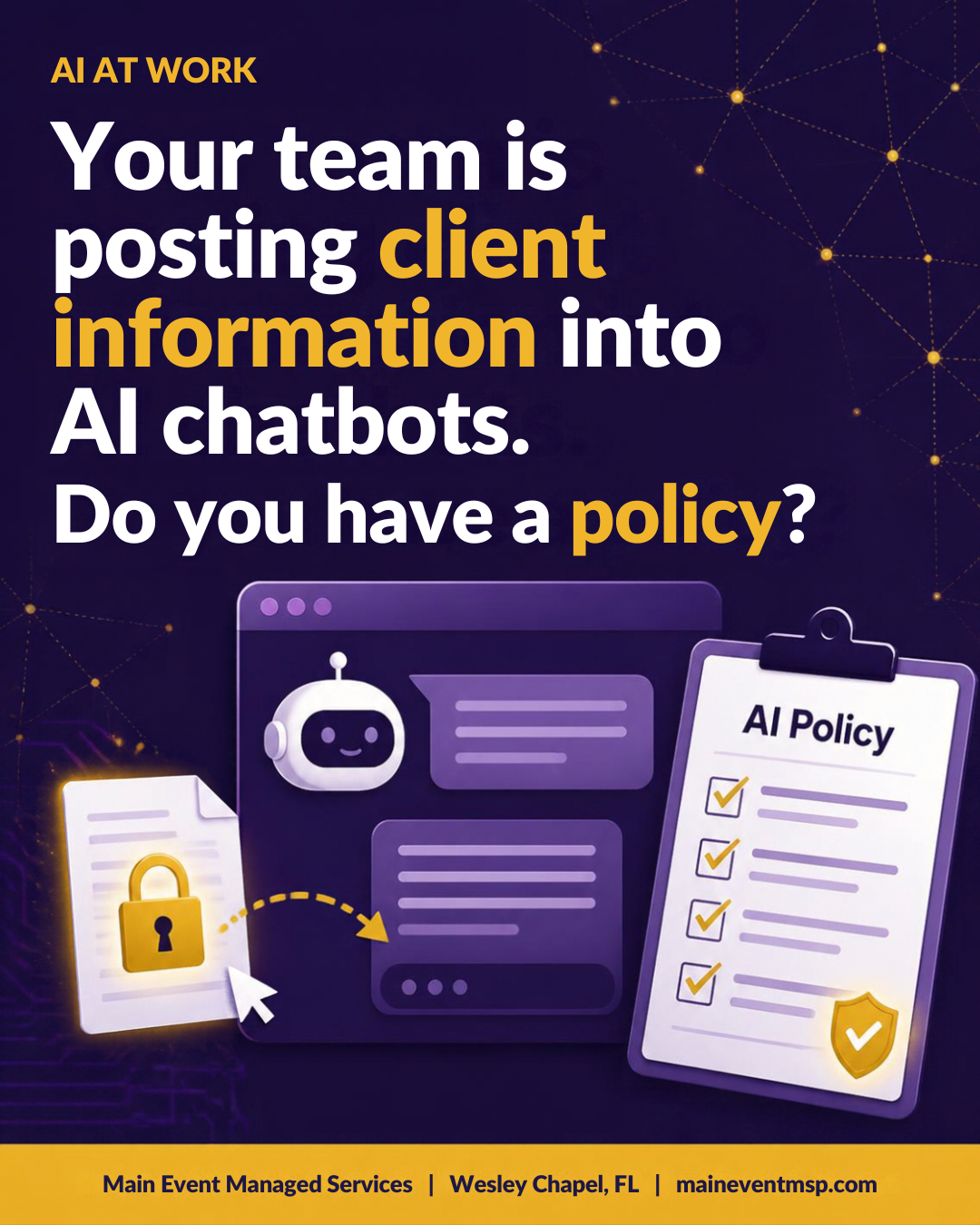
AI tools have quietly become part of the workday. Someone uses a chatbot to tighten an email, summarize a long thread, or clean up a spreadsheet, and it works well, so they do it again. Across Wesley Chapel and Tampa Bay, small teams are adopting these tools faster than most policies can keep up. In most cases nobody is doing anything wrong. They are trying to be efficient. The gap is that no one has said which tools are approved and which information should never be pasted in. A short, friendly policy closes that gap without slowing anyone down.
Why it deserves a policy
When you paste text into an AI tool, that information leaves your own systems and goes to another company's service. Depending on the tool and the type of account, it may be retained for some period, reviewed for quality or safety, or used to improve the service. Business plans typically offer stronger controls than free personal accounts, but the details vary by provider, so it is worth reading them rather than assuming.
There is also the accuracy side. AI tools can produce confident answers that are simply wrong, so anything that goes to a client should be read by a person first.
What a one-page policy covers
• Approved tools. Name the specific tools the business has chosen, and ask people to use business accounts rather than personal ones.
• A never-paste list. Social Security numbers, policy and account numbers, financial details, health information, passwords, and anything a client would expect to stay private.
• Safe alternatives. Show people how to get the value without the sensitive data, such as replacing names and numbers with placeholders before asking for help with wording.
• Human review. A person checks AI-assisted work before it goes to a client or into a record.
• Who to ask. One named contact for questions and for requests to try new tools.
A sample you can adapt
Here is wording a small business could start with:
We use approved AI tools to work faster. Use only company-approved tools with your work account. Never enter customer names combined with personal or financial details, Social Security numbers, policy or account numbers, health information, or passwords. Review all AI-written content before sharing it. If you are unsure whether something is safe to enter, ask [name] first.
That short paragraph covers most everyday situations, and it is easy to remember.
Everyday examples
• Summarizing a long email thread with a client. Remove names, policy numbers, and account details first, or use an approved tool that your business has reviewed for this purpose.
• Drafting a general renewal reminder. This is a great use, because the request contains no private customer details.
• Analyzing a spreadsheet of customer records. Do not upload it to a general chatbot. Ask your IT provider about a safer approach.
Bans tend to backfire. If the approved option is easy, people use it. If the only option is a ban, people quietly use their own phones, and the business loses visibility. Offering a good approved tool and a clear rulebook usually works better than saying no.
Questions to ask before approving a tool
• Is our data used to train the provider's models, and can that be turned off?
• How long is our data retained, and can we delete it?
• Are there admin controls, single sign-on, and activity logs?
• How is data encrypted, and where is it processed?
• Is there a business agreement that describes these commitments?
Your IT provider can help compare the answers. A tool that answers these questions clearly is usually a good sign.
Training that sticks
A policy works best when people have seen it in action. Take ten minutes in a team meeting to walk through two or three real examples: a fine use, a use that needs placeholders, and a use that should be avoided. Invite questions. Teams that feel free to ask tend to use AI more confidently and more safely than teams that quietly guess.
Keeping the policy current
AI tools change quickly, so treat the policy as a living page rather than a one-time document. Review it every six months, ask the team which tools they have found useful, and update the approved list as new options are evaluated. A short conversation with your staff often reveals uses you had not considered, and it keeps the policy grounded in how people really work.
What this means for Florida insurance agencies
Insurance agencies work with customer information all day, which is exactly what Florida Administrative Code Rule 69O-128.032 asks licensees to safeguard through a comprehensive written information security program with administrative, technical, and physical safeguards, scaled to the size and complexity of the agency. An AI use policy is an administrative safeguard, and approved tools with proper controls are technical ones. Adding a short AI section to your written program shows that new technology is being handled thoughtfully.
As always, this is general information rather than legal advice, and your own counsel or compliance advisor can confirm what applies to your agency.
Main Event Managed Services helps Wesley Chapel and Tampa Bay businesses and Florida insurance agencies evaluate AI tools and write practical policies. To get started, visit maineventmsp.com.
