
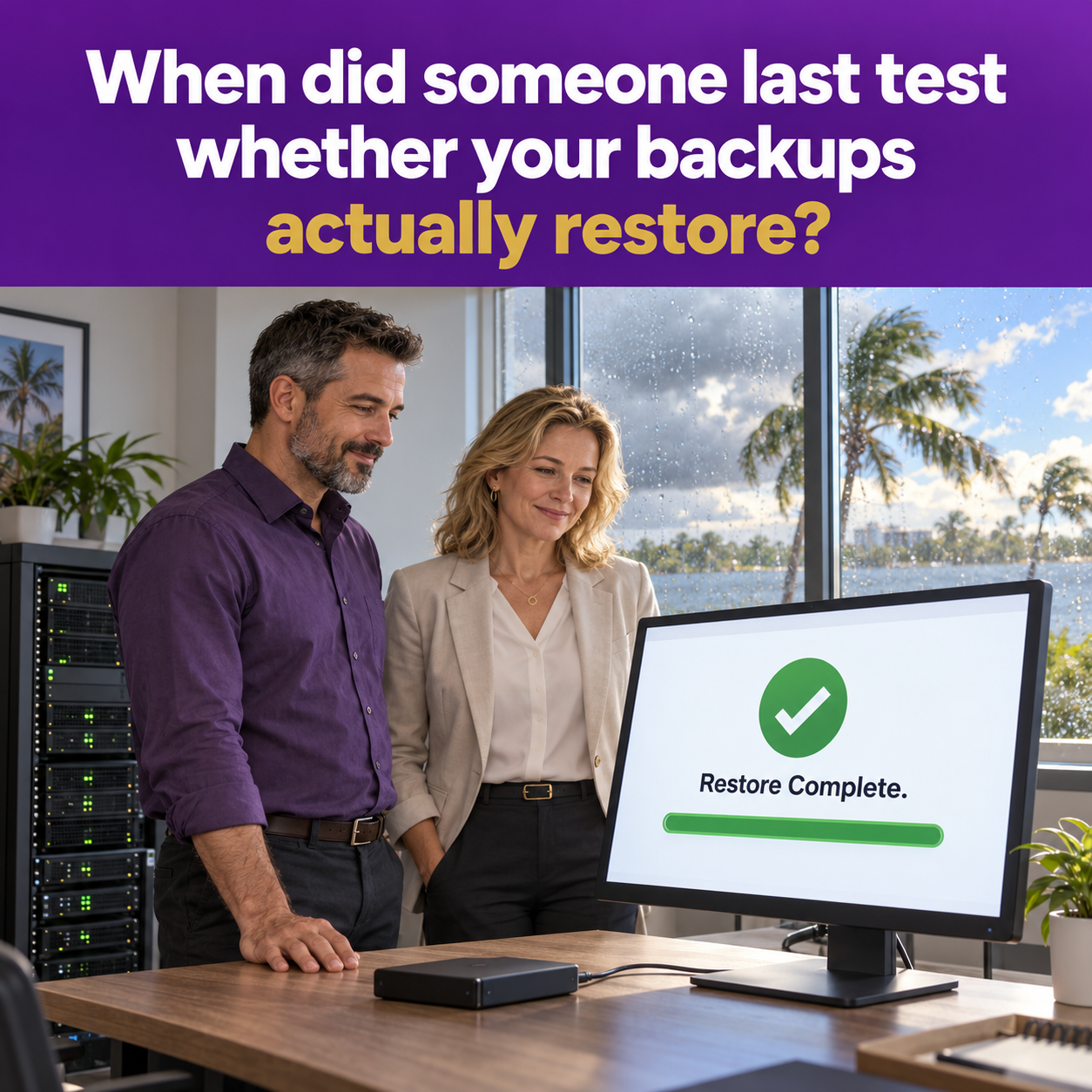
Ask a small business owner whether they have backups, and the answer is almost always yes. Ask when those backups were last tested, and the room gets quiet. "Never" is the most common answer I hear from businesses around Wesley Chapel and Tampa Bay, and it is one of the most dangerous gaps in small business IT.
A backup you have never restored is not a recovery plan. It is a hope. And hope tends to fail at exactly the moment you need it most.
Why Backups Fail Without Anyone Noticing
Backups are designed to run quietly in the background, which is exactly why problems go unnoticed. Here are the failures we see most often:
• The backup job stopped running months ago, and the alert emails went to a former employee or a spam folder
• The backup captures the wrong folders, missing the shared drive or database that actually matters
• Backup files are stored on a device connected to the same network, so ransomware encrypted them along with everything else
• The backup technically works, but restoring a full system takes days instead of the hours the business can afford
• Cloud data such as Microsoft 365 email and OneDrive files was never backed up at all, because everyone assumed Microsoft handled it
That last one surprises a lot of people. Cloud platforms keep services running, but protecting your data from deletion, corruption, or a compromised account is largely your responsibility. Retention settings and recycle bins are not the same as an independent backup.
Ransomware Goes After Backups First
Modern ransomware groups know that a good backup ruins their business model. That is why many attacks specifically hunt for backup systems and try to delete or encrypt them before launching the main attack. If your backups are reachable from a compromised computer using the same credentials, assume an attacker can reach them too.
This is why isolation matters. At least one copy of your data should be stored somewhere an attacker on your network cannot modify or delete, often called immutable or air-gapped storage.
The 3-2-1 Rule in Plain English
A simple, time-tested approach for small businesses:
• Keep three copies of your important data
• Store them on two different types of storage
• Keep one copy offsite and isolated from your network
This structure protects you against hardware failure, accidental deletion, ransomware, and the kind of physical disaster Florida businesses think about every summer and fall.
Two Numbers Every Business Owner Should Know
You do not need technical jargon to plan well, but two questions are worth answering:
How much data can you afford to lose? If your backup runs once a night and your server fails at 4 p.m., you could lose a full day of work. For some businesses that is fine. For an agency processing policy changes all day, it may not be.
How long can you afford to be down? If restoring everything takes three days, can your business survive three days without access to client files, email, and your management system? The only way to know your real recovery time is to test it.
A Simple Quarterly Restore Test
You do not need a full disaster simulation to get real value. A quarterly test like this covers the basics:
Step 1: Confirm the backups are running
Review the backup reports for the past few weeks. Look for failed or skipped jobs and confirm alerts are going to someone who actually reads them.
Step 2: Restore a single file
Pick a random file from a shared folder and restore it to a different location. Open it and confirm it is intact and current.
Step 3: Restore something bigger
At least once or twice a year, restore a full system or virtual machine to a test environment. Time how long it takes from start to usable.
Step 4: Check your cloud data
Restore a deleted email or OneDrive file from your cloud backup to confirm that data is actually protected.
Step 5: Write it down
Record the date, what was tested, how long it took, and any problems found. That record is useful for your own planning and valuable evidence for insurers and regulators.
Why This Matters for Insurance Agencies
Florida Rule 69O-128.032 expects agencies to maintain safeguards that protect the security and integrity of customer information. Backups that have never been tested do not demonstrate much. Documented, successful restore tests show your safeguards actually work. Cyber insurance applications increasingly ask about backup practices too, and being able to answer confidently can make that process much smoother.
Let's Find Out Before It Matters
The worst time to discover your backups do not work is the morning after a ransomware attack or a storm. The best time is a quiet afternoon when nothing is on fire.
Main Event Managed Services helps businesses across Wesley Chapel and the greater Tampa Bay area design, monitor, and regularly test backup and recovery systems so there are no surprises. If you cannot remember your last restore test, visit maineventmsp.com and let's run one together.