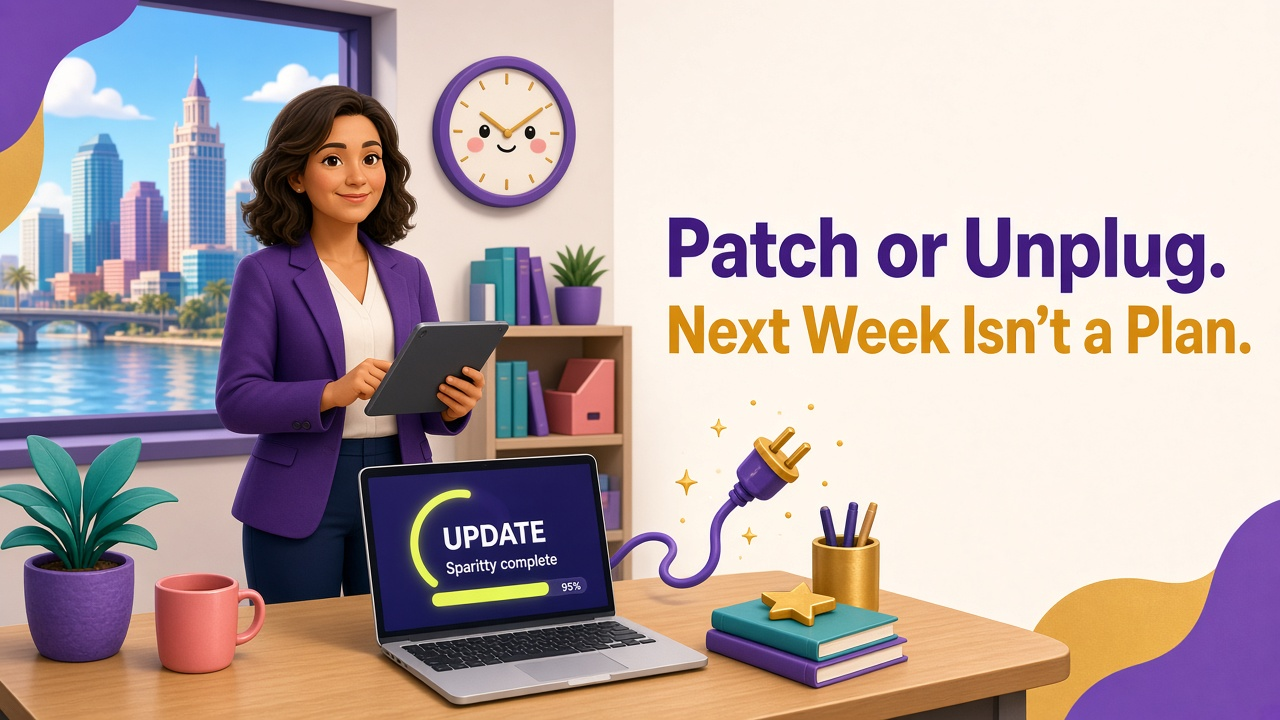
On October 21, 2026, the internet had a very bad day. AI tools uncovered critical security flaws in PHP, the programming language that runs behind a huge share of the world's websites. Government sites in multiple countries went offline, and the National Security Agency took the unusual step of advising organizations using PHP to either update immediately or take their systems offline until they could.
PHP wasn't the only headache. The same day, Node.js patched four high-severity vulnerabilities, including one that allowed remote code execution. The week before, BeyondTrust had warned customers about a zero-day in its Remote Support product that attackers had been exploiting since August. Security professionals started calling the month "Black October."
A week later came some relief. Researchers reported that the PHP flaws were proving unusually difficult to exploit, despite a flood of attempts to build working attack code. Experts were quick to add that this shouldn't be read as proof that AI-powered hacking is overblown. This time, defenders caught a break. The next flaw may not be so hard to weaponize.
Why a Wesley Chapel Business Should Care About PHP
Most small business owners have never thought about what programming language their website runs on, and they shouldn't have to. But PHP sits underneath WordPress, the most widely used website platform in the world, along with countless contact forms, appointment schedulers, client portals, and web applications your vendors host for you.
If you run a dental office in Wesley Chapel, a property management company in Tampa, or an independent insurance agency in New Tampa, there's a good chance PHP is somewhere in your digital footprint. The question isn't whether you understand the technology. It's whether someone you trust is watching it.
The Real Problem: Nobody Owns It
When an emergency patch drops, small businesses usually discover that each of their systems falls into one of three buckets:
• You manage it yourself, often without realizing it, like the office firewall someone installed years ago or the website you built on a do-it-yourself platform.
• Your IT provider manages it, which is great, as long as your agreement actually covers that system.
• A vendor manages it, such as your website host, your agency management system, or a cloud application you subscribe to.
The danger lives in the gaps between those buckets. The web designer who built your site in 2019 and moved on. The plugins with automatic updates turned off. The firewall firmware nobody has touched since installation. The remote access tool left behind by a previous IT company. Each one is a system everyone assumes someone else is patching.
The Window Keeps Shrinking
For years, many small businesses got by with patching once a month, or whenever a computer nagged them enough. That rhythm is getting harder to defend. AI is helping researchers find vulnerabilities faster, and attackers are using the same kinds of tools to turn announcements into working attacks more quickly. The Cybersecurity and Infrastructure Security Agency (CISA) adds new entries to its Known Exploited Vulnerabilities catalog nearly every week, and October 2026 has been especially busy.
The practical takeaway: when a critical flaw is announced, internet-facing systems need to be patched in days, not weeks. Routine updates can follow a regular monthly schedule. Knowing which of your systems fall into which category is half the battle.
A Simple Patch Ownership Checklist
You don't need a security team to get this under control. You need a list and a few decisions.
• Inventory everything that touches the internet. Your website, client portals, email, VPN, firewall, Wi-Fi equipment, and any remote access tools.
• Assign an owner to each item. Write down whether you, your IT provider, or a vendor is responsible for updates. If the answer is "not sure," that's your first fix.
• Set expectations for speed. Critical, internet-facing patches within days. Everything else on a predictable monthly cycle.
• Verify, don't assume. Ask for reporting that shows which devices are fully patched and which aren't.
• Ask your vendors directly. How quickly did they respond to the PHP advisory? A good vendor will have a clear answer.
• Plan for "unplug." If you had to take your website or a client portal offline for a day, how would clients reach you? Deciding that in advance makes the call easier when it counts.
A Note for Florida Insurance Agencies
For independent agencies, patching isn't just good hygiene. Keeping systems current is part of the reasonable safeguards expected under Florida Administrative Code Rule 69O-128.032 and the NAIC cybersecurity standards many carriers now reference. Cyber insurance applications routinely ask how quickly you apply critical patches, and a breach traced back to a known, unpatched vulnerability can make conversations with your carrier much harder.
How Main Event Managed Services Helps
Main Event Managed Services handles patch management for small businesses across Wesley Chapel, Tampa, and the greater Tampa Bay area. That covers operating systems, third-party applications, network equipment, and the vendor relationships in between, with reporting so you can see what's protected instead of hoping it is. When the next "patch or unplug" moment arrives, our clients already know who's handling it.
Want to find out where your patching gaps are? Reach out at contact@maineventmsp.com or visit maineventmsp.com.