

Beyond MFA: Why Passkeys Are the Next Step for Small Businesses
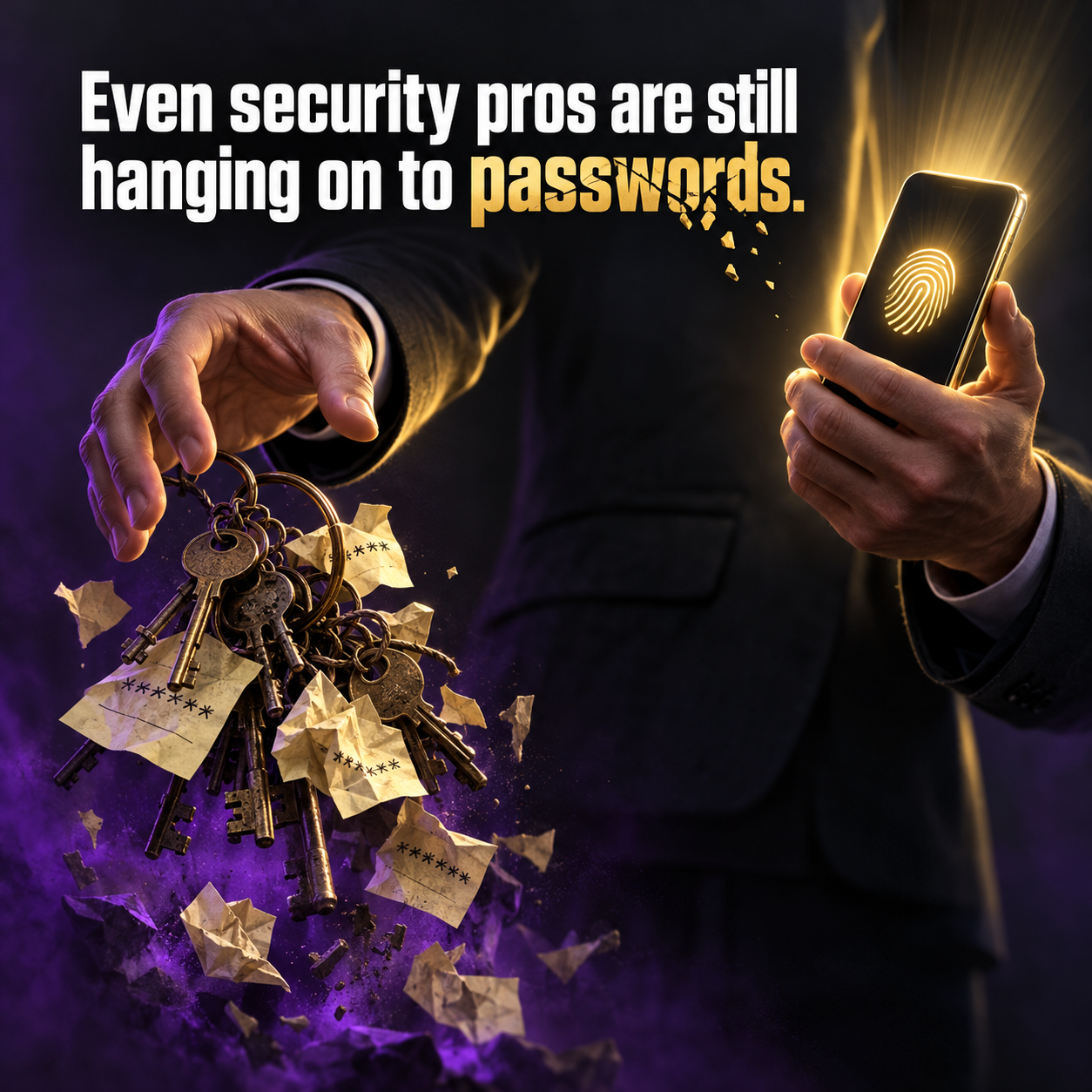
Even security professionals are still hanging on to passwords. A recent Yubico survey found roughly half of cybersecurity pros still rely on them, despite knowing the risks. If the people who defend networks for a living are slow to change, it makes sense that most small businesses in Wesley Chapel and across Tampa Bay haven't started either.
That's okay. But Cybersecurity Awareness Month is a good time to understand what's next, and why it matters.
Why MFA alone isn't the finish line
Multi-factor authentication was one of the most important security upgrades of the last decade. If you've turned it on, you've already stopped a huge share of password attacks.
The problem is that attackers adapted. Today's phishing kits put a fake Microsoft 365 or bank login page in front of your employee, collect the password and the MFA code in real time, and pass both to the real site. Some go a step further and steal the session token, which keeps the attacker logged in even after the code expires.
In other words, anything a person can read and type can be tricked out of them.
What a passkey actually is
A passkey replaces the password with a pair of cryptographic keys. One key lives on your device (your phone, laptop, or a hardware security key). The other is stored by the website. When you log in, your device proves it has the right key, usually after you unlock it with your fingerprint, face, or PIN.
Two things make this powerful for a small business:
• There's nothing to steal. No password sits on a server waiting to be breached.
• It only works on the real site. A passkey is tied to the genuine website address, so a fake login page gets nothing.
That second point is the big one. It shuts down the exact phishing trick that defeats text and app codes.
A practical rollout plan
You don't need to flip every account overnight. Here's how we recommend Tampa Bay businesses approach it:
1. Protect the keys to the kingdom first. Start with Microsoft 365 or Google Workspace admin accounts, then the owner's email.
2. Move to money. Many banks, payroll platforms, and accounting tools now support passkeys. Turn them on where you can.
3. Use a business password manager. Modern password managers can store and share passkeys across your team, so nobody is locked out if they get a new phone.
4. Keep MFA everywhere else. Not every app supports passkeys yet. Strong MFA remains your baseline until they do.
5. Plan for lost devices. Make sure every account has a recovery method that your IT provider can manage, not just one person's phone.
What this means for insurance agencies
Florida Rule 69O-128.032 expects licensees to control access to systems holding customer information. Phishing resistant authentication is one of the clearest ways to show you've taken that seriously. If you're preparing for a cyber insurance renewal, it's also increasingly something underwriters ask about.
The bottom line
Passwords got us this far, and MFA bought us time. Passkeys are where things are heading, and early adopters get the benefit first. Pick your most important login this week and see if it supports passkeys. Chances are, it does.
Want help building a passkey plan for your team? Main Event Managed Services works with small businesses and insurance agencies across Wesley Chapel and Tampa Bay. Reach out at maineventmsp.com.
Source: Infosecurity Magazine news, Yubico survey, Oct 7, 2026
