
Artificial intelligence tools have moved from novelty to everyday habit faster than almost any technology in recent memory. Employees use them to draft emails, summarize long documents, rewrite proposals, and make sense of messy spreadsheets. For a small business, that productivity boost is real and worth embracing.
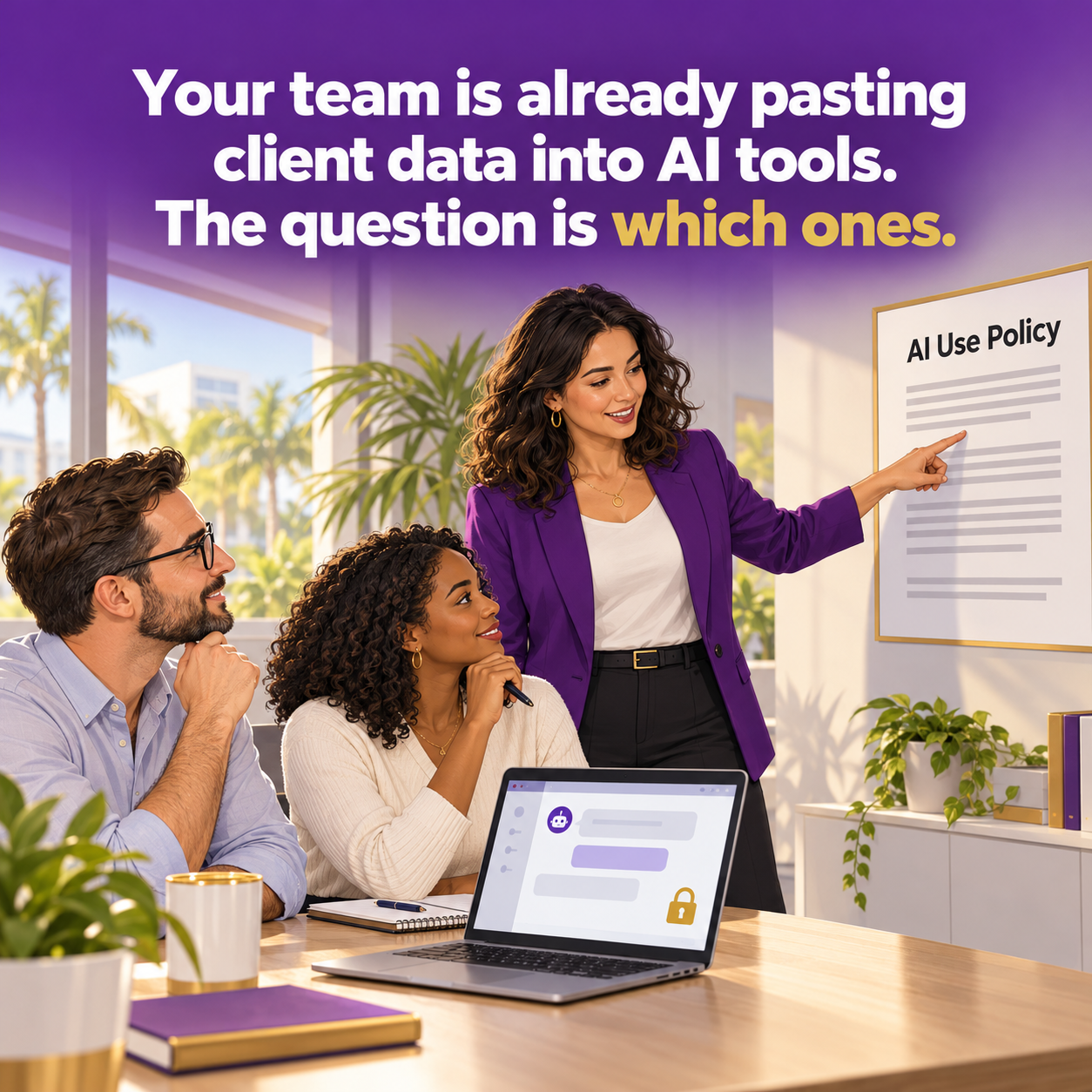
But there is a quieter side to this shift. In small offices around Wesley Chapel and Tampa Bay, employees are often signing up for free AI tools on their own, without any guidance, and pasting in whatever helps them finish faster. That can include client names, policy numbers, claims notes, financial details, and occasionally information that should never leave your systems at all.
The question is no longer whether your team uses AI. It is which tools they use and what they are putting into them.
Why This Is a Real Risk
Most employees are not being careless on purpose. They are trying to do good work efficiently. The risk comes from not knowing how these tools handle data.
Data may be stored and reviewed
Many consumer AI tools keep a history of conversations. Depending on the provider and the account settings, that content may be retained for a period of time, reviewed for safety purposes, or used to improve future models. Business and enterprise versions of the same tools often come with very different data protections, but employees using personal free accounts usually are not getting those protections.
Accounts can be compromised
An AI account protected by a weak or reused password, with no multi-factor authentication, holds a searchable archive of everything an employee has pasted into it. If that account is compromised, so is the data inside it.
Extensions and add-ons see more than you think
Browser extensions that promise AI writing help or meeting summaries may have permission to read everything on the pages you visit, including your email and web-based management systems. AI notetakers that join video calls may record and store conversations with clients.
You lose track of where data lives
When client information spreads across tools your business never approved, you cannot protect it, you cannot account for it, and you cannot delete it when you need to.
You Do Not Need to Ban AI
Banning AI outright rarely works. People simply use it on their phones or personal laptops where you have even less visibility. A better approach is to give your team approved tools and clear guardrails so they can get the benefits safely.
Building a Simple AI Use Policy
An effective AI policy for a small business can fit on one or two pages. It should cover a few key points:
• Approved tools: list the specific AI tools employees may use for work, ideally business versions with appropriate data protections, signed in with company accounts
• Prohibited information: spell out what never goes into an AI prompt, such as Social Security numbers, driver's license numbers, bank and card information, health information, and confidential client details
• Review before use: AI output can be wrong, so employees are responsible for checking anything before it goes to a client
• Extensions and notetakers: require approval before installing AI browser extensions or inviting AI notetakers to client calls
• Questions and reporting: tell employees who to ask when they are unsure and how to report it if sensitive data was shared by mistake
Once the policy exists, talk about it. A short team meeting explaining why the rules exist will do more than a document nobody reads. Make it safe for people to admit which tools they are already using so you can bring that activity into the light.
What This Means for Florida Insurance Agencies
Insurance agencies hold exactly the kind of information that requires the most care: personal identifiers, financial details, and sometimes health information tied to claims or benefits. Florida Rule 69O-128.032 expects agencies to maintain safeguards that protect customer information against unauthorized access and use. Client data copied into an unapproved AI tool is very difficult to square with that expectation.
The Florida Information Protection Act also defines personal information broadly and requires reasonable measures to protect it. If an AI account containing client data were ever compromised, your agency would need to understand exactly what was exposed, which is hard to do when nobody knew the account existed.
Adding AI guidance to your written information security program, and covering it in staff training, shows that your safeguards keep pace with how your team actually works.
Practical Next Steps This Week
• Ask your team, without judgment, which AI tools they currently use for work
• Choose one or two approved tools and set them up with company accounts and multi-factor authentication
• Draft a one-page AI use policy using the points above
• Review browser extensions installed on company computers
• Add AI to your next team security huddle
Embrace AI With Guardrails
AI can make a small team dramatically more productive, and there is no reason Tampa Bay businesses should miss out. The goal is simply to make sure the convenience does not come at the cost of your clients' trust.
Main Event Managed Services helps businesses in Wesley Chapel and throughout Tampa Bay choose secure tools, write practical policies, and train teams to use AI responsibly. Visit maineventmsp.com to start the conversation.