

The SunPass Text Scam: What It Can Teach Your Whole Team
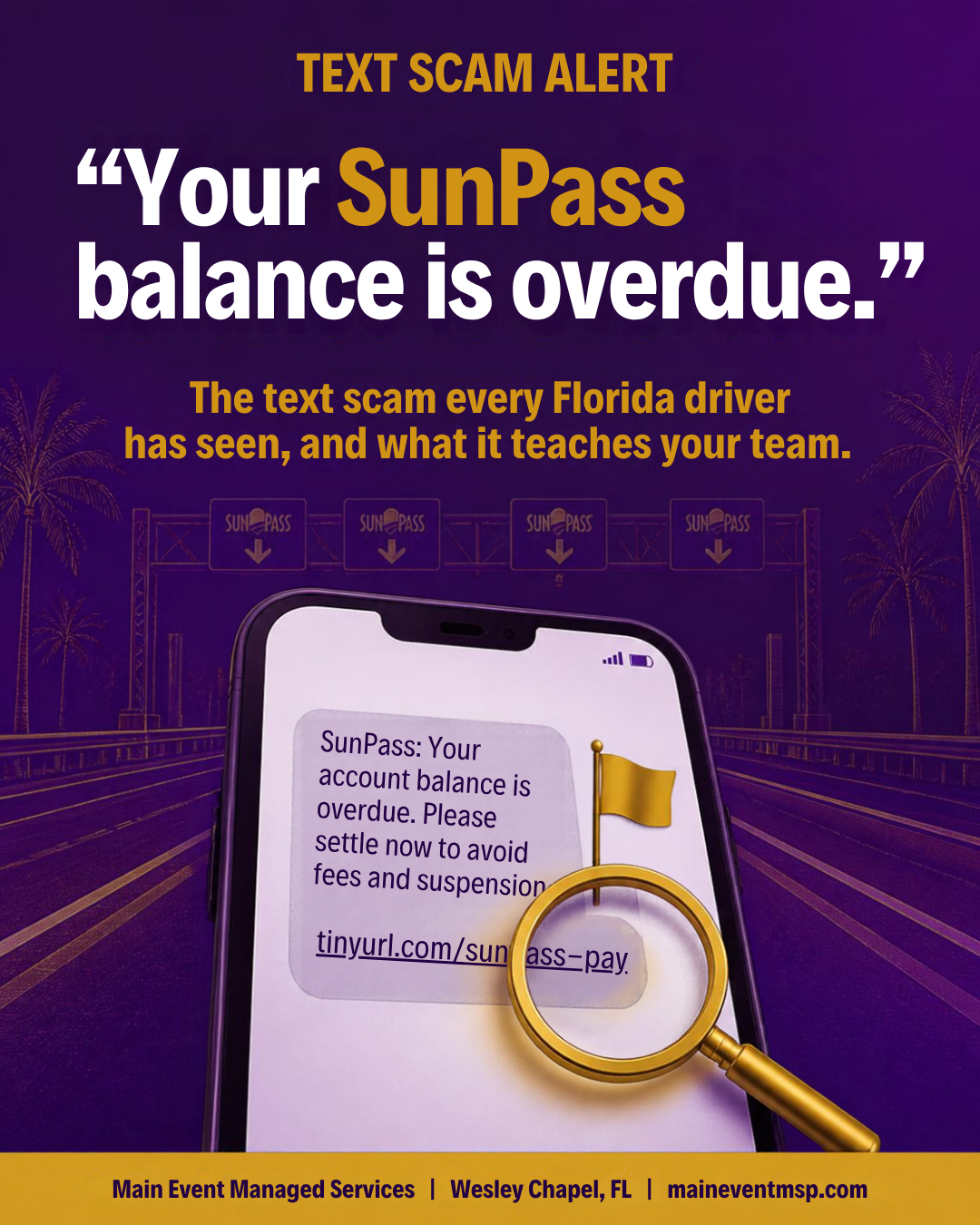
If you drive around Tampa Bay, chances are you have seen the message: your SunPass balance is overdue, a small amount is owed, and a link will let you settle it right away. Whether you commute along the Selmon Expressway, take the Veterans Expressway toward work, or run errands from Wesley Chapel, toll roads are part of daily life here, which is exactly why the message feels believable. It is worth a few minutes of your team's time, because the pattern behind it appears in many other scams, and recognizing it is a skill that carries over to business email, vendor requests, and phone calls. With Cybersecurity Awareness Month coming up in October, it is also an easy, relevant training topic.
How the text scam works
This kind of scam is often called smishing, which is phishing delivered by text message. The message claims a toll or fee is unpaid, includes a link, and sets a deadline to nudge a quick reaction. The link leads to a look-alike page that asks for card details, login information, or both. Because the amount mentioned is usually small, people are tempted to settle it just to be done with it.
The senders do not know who actually has a SunPass account. Messages go out to huge lists of numbers, and the ones that reach a Florida driver simply feel more convincing. It is a numbers game, not personal targeting.
The four red flags
• An unexpected message about money owed. Real accounts can be checked directly, so a surprise demand is worth pausing over.
• A link instead of a direct path. If the message pushes you to tap rather than log in yourself, slow down.
• A deadline. Urgency is a favorite tool because it discourages checking.
• A sender you cannot verify. Unfamiliar numbers, odd addresses, or slightly wrong spelling are all clues.
These same four flags show up in a fake invoice email, a "your package is delayed" text, or a call from someone claiming to be a vendor. Learn them once, and you can use them everywhere.
Other versions of the same message
The toll message is one costume among many. The same approach appears as a package that could not be delivered, a driver license or vehicle registration notice, a bank fraud alert asking you to confirm a transaction, or a subscription that is about to lapse. The details change with the season and the headlines, but the structure stays familiar: something is owed or at risk, a link is offered as the quick fix, and a deadline is attached. Once your team knows the structure, the specific brand name matters much less.
What to do when one arrives
• Do not tap the link or reply, even to say stop.
• If you want to be sure, open the official SunPass website or app on your own and check your account there.
• Forward the text to 7726 (SPAM), which lets your mobile carrier look into it, then delete it.
• Consider reporting it at ic3.gov, the FBI's Internet Crime Complaint Center.
• If you did enter card or login details, contact your card issuer and change the password for that account right away.
Why this matters at work
Many of us read work email on the same phone that receives these texts. Employees also use personal devices for business tasks, and a phone is a small screen where it is harder to inspect a link. That makes mobile habits a real part of your security picture.
A few simple steps help. Keep phones updated. Use a screen lock. Set up work email with your organization's protections in place. Agree as a team that nobody enters company credentials after tapping a link in a text. And make reporting easy: a message in your team chat saying "I got this odd toll text" costs nothing and helps everyone else recognize it.
Make reporting the easy choice
People report what is easy to report. Pick one simple channel, such as a team chat thread or a dedicated email address, and let everyone know that sharing a suspicious message is always welcome, even if it turns out to be harmless. When someone does share one, say thank you in public. A friendly response teaches the whole team that speaking up is valued, and it gives your IT provider useful early information about what is circulating in Tampa Bay.
A five-minute team exercise
Pull up a screenshot of a scam text (or ask the team to share ones they have received) and have everyone point out the red flags. Then ask what the same message would look like as an email from a vendor. People tend to remember examples they have talked through much more than a policy they were handed.
What this means for Florida insurance agencies
Florida Administrative Code Rule 69O-128.032 asks each licensee to implement a comprehensive written information security program with administrative, technical, and physical safeguards for customer information, appropriate to the agency's size and complexity. Staff awareness and mobile device practices fit naturally into the administrative and technical parts of that program. Recording that the team reviewed how to spot text and email scams, and when, is a simple way to show that the safeguards are more than words on paper.
Main Event Managed Services helps Wesley Chapel and Tampa Bay businesses and Florida insurance agencies turn everyday awareness into simple, documented habits. To talk about team training or mobile device settings, visit maineventmsp.com.
