

Old Passwords Never Die: Why Leaked Credentials Keep Working for Years
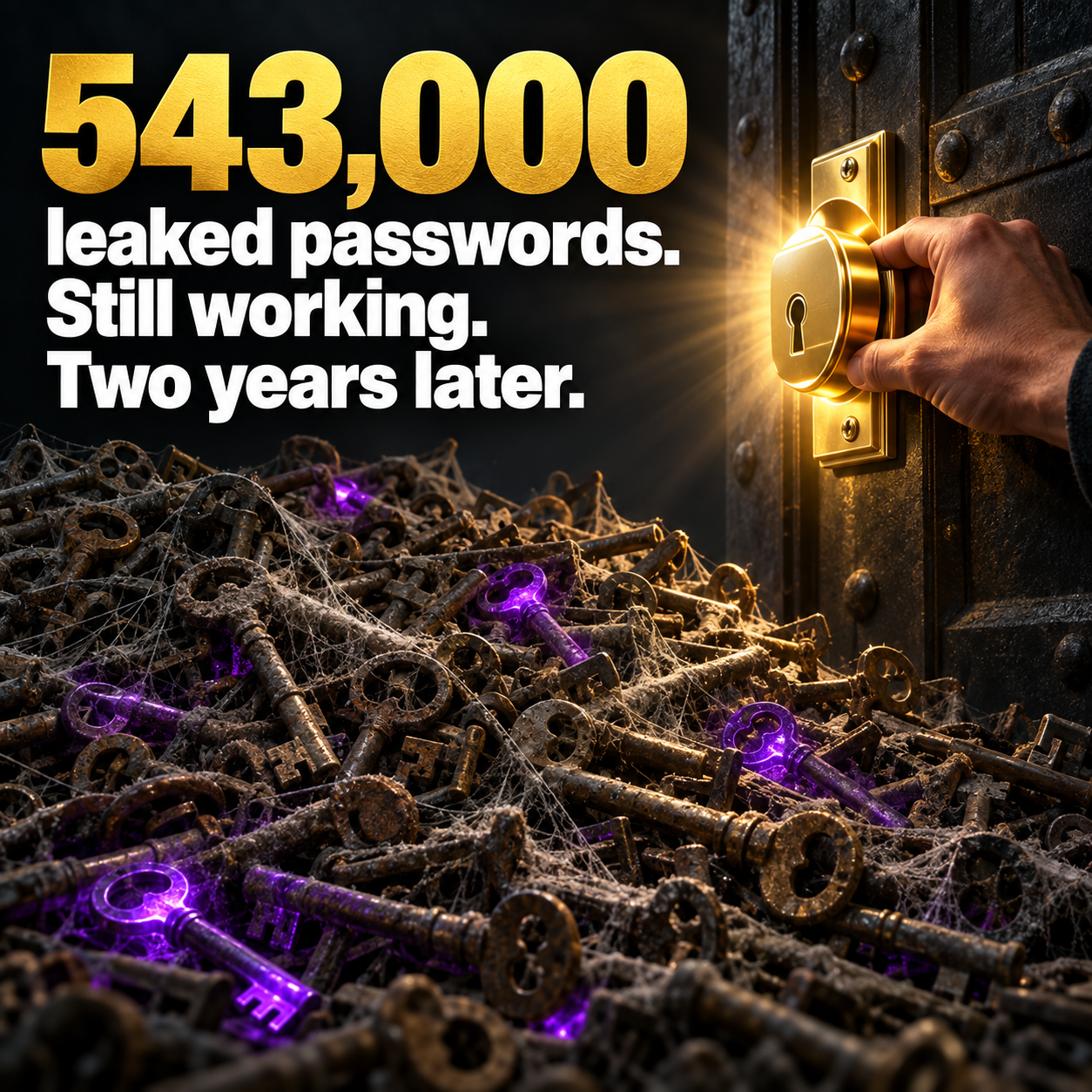
543,000 leaked passwords. Still working. Two years later.
In late September 2026, researchers reported the results of a massive scan of public code repositories. After looking through 224 million repositories, they found 543,699 exposed credentials, such as passwords, access keys, and tokens, that were still valid. The median length of time those credentials had been sitting exposed was 784 days, more than two years.
Let that sink in. The accidental leak was only half the problem. The bigger failure was that nobody changed the keys afterward.
"We don't write code. Does this apply to us?"
Yes. The GitHub study is about developers, but the pattern is universal. Credentials leak out of small businesses all the time, just through different channels:
• Shared spreadsheets and documents. A "passwords" tab in Excel or a Google Doc shared with half the office and a few former employees.
• Email. Vendor logins sent to a staff member who left two years ago, still sitting in a mailbox.
• Default and setup accounts. The admin login your former IT person created when the network was installed.
• Website plugins and integrations. API keys pasted into a website builder, a booking tool, or a marketing platform.
• Third-party breaches. An employee reuses a work password on a shopping site that gets hacked.
Once a credential escapes, you have no control over where it goes. Criminals collect and trade them, and automated tools test them against common business services every day.
Why old credentials are so dangerous
A fresh leak gets noticed. An old one doesn't. Attackers know that businesses rarely revisit passwords that "still work," which is why credentials from years ago remain valuable. A login that hasn't changed since 2023 is an open invitation.
Five habits that make old leaks harmless
1. Rotate shared and admin passwords. Change them on a regular schedule and always after an employee or vendor leaves.
2. Move everything into a business password manager. It replaces the spreadsheet, allows secure sharing, and shows you who has access to what.
3. Clean house. Delete unused accounts, old API keys, and integrations you no longer use. If nobody knows what it's for, find out, then remove it.
4. Use MFA or passkeys everywhere possible. A stolen password is far less useful when it's not enough to log in.
5. Monitor for leaked credentials. Dark web monitoring alerts you when company emails and passwords show up in breach data, so you can change them before they're used.
For Florida insurance agencies
Agencies often have dozens of carrier portals, rating tools, and vendor logins. Many are shared across the team. Rule 69O-128.032 expects licensees to control access to customer information, and a regular access review with credential rotation is one of the simplest ways to show it.
Change the locks this month
If you moved into a new home, you'd change the locks. Your business deserves the same treatment for every key you've handed out over the years. Cybersecurity Awareness Month is a good time to start.
Main Event Managed Services helps Wesley Chapel and Tampa Bay businesses inventory accounts, set up password management, and monitor for leaked credentials. Visit maineventmsp.com to learn more.
