

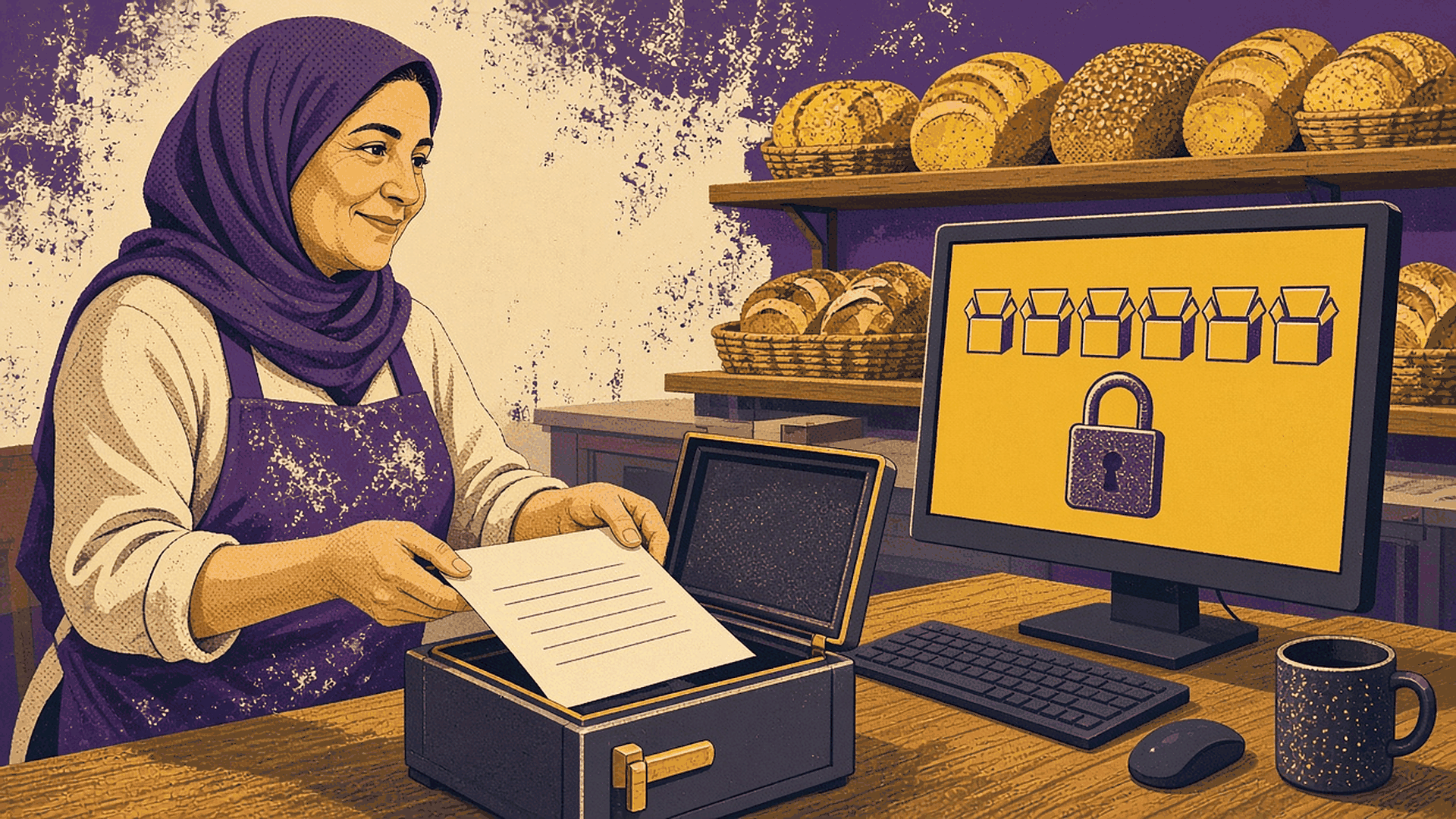
If you've turned on multi-factor authentication for your business accounts, you've done one of the most effective things a small business can do to stop account takeovers. Nice work. Now for a question most people can't answer right away: where are your recovery codes?
Recovery codes are the backup keys most services hand you when you set up MFA. If you lose your phone, they let you back into your account. They're also a side door around MFA, and like any door, it matters who has a key.
Why This Came Up Recently
Apify, a web automation platform, recently disclosed that an unauthorized party used a compromised credential to obtain additional account credentials and get into related customer accounts. In a letter to affected customers described by BleepingComputer, the company advised recipients to reset their two-factor authentication, warning that their 2FA codes may have been exposed. SecurityWeek reported that one customer-shared notice listed 2FA recovery codes and phone numbers among the exposed information.
Apify cut off the access, rotated secrets, and has been posting updates on its status page, including a reminder that it will never ask customers for passwords, 2FA codes, or payment details. That's a responsible response. The broader point for everyone else is simple: the backup paths around MFA deserve the same care as the password itself.
The Backup Paths Most People Forget
When you set up MFA on an account, there are usually a few ways back in if your phone isn't handy:
· Recovery codes. A list of one-time codes, often shown once during setup and then downloaded or printed.
· A backup phone number. A second number that can receive text codes.
· A recovery email address. An alternate inbox that can reset access.
· Another trusted device. A second phone, tablet, or security key.
Each of those is a way into the account. If a recovery code sits in a file named "backup codes" on the desktop, or a recovery email points to an old personal Yahoo account nobody checks, that's a weak spot that MFA can't cover.
Where Recovery Codes Should Live
There's no single perfect answer, but there are some clearly bad ones. Recovery codes shouldn't be in an email to yourself, a sticky note on the monitor, or an unprotected file on the desktop.
Better options:
· A business password manager. Most let you store recovery codes right alongside the login they belong to, protected by the manager's own security and MFA.
· A printed copy in a locked location. For your most critical accounts, a paper copy in a safe or locked drawer is perfectly reasonable, as long as you know who can open it.
· Split by role. For the main admin account in Microsoft 365 or Google Workspace, consider storing codes where at least two trusted people can get to them, so one person being unavailable doesn't lock the company out.
Review Your Recovery Options
Set aside half an hour and walk through your most important accounts. Email, banking, payroll, your domain registrar, your website platform, and your main business software are a good starting list. For each one:
· Confirm the backup phone number is current and belongs to the business or the right person
· Check that recovery email addresses are company addresses you still control
· Generate fresh recovery codes if you can't find the old ones, which usually cancels the previous set
· Remove old phones and devices that are no longer in use
· Store the new codes somewhere from the list above
Shared Business Accounts Need a Plan
Some accounts belong to the business rather than a person, like the domain registrar, the social media pages, or the main admin account. If the only person with the recovery codes leaves or is out sick at the wrong moment, getting back in can take days of back-and-forth with support.
Write down who holds the recovery information for each business-owned account. When someone leaves, update the backup phone number and recovery email and generate new codes. It's a small step that saves a lot of pain.
Watch for "Help" You Didn't Ask For
Scammers know people get nervous after breach news. Be skeptical of any call, text, or email asking for a verification code, a recovery code, or approval of a sign-in you didn't start. A legitimate company won't ask you to read a code back to them so they can "secure" your account.
A Note for Florida Insurance Agencies
Agency accounts often hold exactly the kind of client information Florida Rule 69O-128.032 asks you to protect with reasonable safeguards. MFA is a big part of that, and so are the recovery paths around it. Documenting where recovery codes live and who can use them is a simple addition to your written information security program, and it closes a gap many programs don't mention.
How Main Event Managed Services Helps
Main Event Managed Services helps small businesses and independent insurance agencies in Wesley Chapel and across Tampa Bay set up MFA that holds up, including the recovery side most people skip. We can review backup methods on your key accounts, set up a business password manager, and document who holds what so nobody gets locked out.
Reach out at contact@maineventmsp.com, or learn about our new client assessment at https://maineventmsp.com/new-client-offer.
Sources
· Apify rotates API tokens, prompts 2FA resets after breach. BleepingComputer. https://www.bleepingcomputer.com/news/security/apify-rotates-api-tokens-prompts-2fa-resets-after-breach/
· Apify Confirms Customer Data Accessed in Cyberattack. SecurityWeek. https://www.securityweek.com/apify-confirms-customer-data-accessed-in-cyberattack/
· Apify Status (security incident updates). Apify. https://status.apify.com/
· Fla. Admin. Code R. 69O-128.032, Information Security Program. Legal Information Institute, Cornell Law School. https://www.law.cornell.edu/regulations/florida/Fla-Admin-Code-Ann-R-69O-128-032