

MFA Fatigue: Why One Late-Night "Approve" Tap Matters, and How to Prevent It
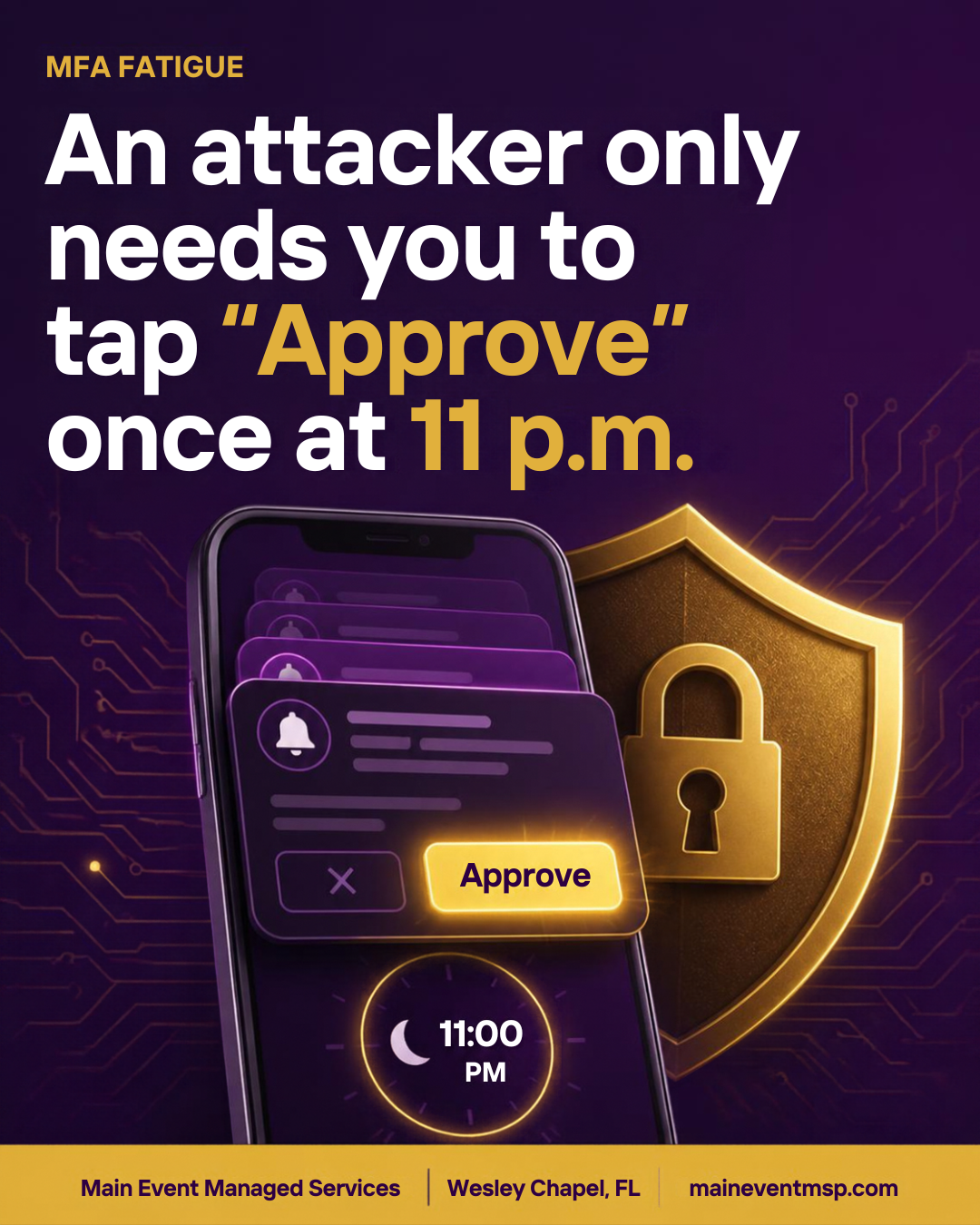
Multi-factor authentication (MFA) is one of the most effective protections a small business can turn on, and we recommend it to every client across Wesley Chapel and Tampa Bay. Like any good defense, it has been studied closely by the people trying to get around it. One of their favorite workarounds does not break MFA at all. It simply asks the user, over and over, to open the door for them. That technique is called MFA fatigue (sometimes called push bombing), and understanding it takes about five minutes. With Cybersecurity Awareness Month arriving in October, it makes a perfect topic for your next team meeting.
What MFA fatigue actually is
To try this, an attacker first needs a valid password. Passwords can end up in the wrong hands through data breaches at other websites, reuse of the same password in several places, or a look-alike sign-in page. On its own, the password is not enough, because the account also asks for a second step, usually an approval prompt on a phone.
So the attacker starts signing in, and each attempt sends a new prompt to the real user. Some people receive a dozen in a few minutes. The attacker is counting on a single tap, whether out of annoyance, confusion, or the assumption that it is a glitch. Sometimes there is also a message or call from someone posing as IT support, saying the alerts will stop if the request is approved.
The encouraging part is that this attack is well understood, and the defenses are mostly settings you can adjust once.
Why the timing matters
Attackers tend to choose moments when people are least likely to pause: late in the evening, first thing in the morning, or in the middle of a busy afternoon. This is not about carelessness. A prompt that keeps buzzing is designed to be dismissed, and anyone can tap the wrong button when they are tired or interrupted. That is exactly why the best defenses do not rely on perfect human attention.
Five practical defenses
None of these require a large project. Most are settings your IT provider can review in a single sitting, and together they turn an attack that depends on human patience into one that has very little to work with.
• Turn on number matching. Instead of a simple Approve button, the person signing in types a number shown on the sign-in screen. Someone who did not start the sign-in has no number to enter. Microsoft Authenticator and many other platforms support this.
• Show context in the prompt. Displaying the app name and approximate location makes an unexpected request stand out right away.
• Move toward phishing-resistant sign-in. Passkeys and hardware security keys do not depend on tapping an approval, so there is nothing to wear down.
• Alert on repeated prompts. Your IT provider can be notified when several prompts or denied requests hit one account in a short window, so a pattern is noticed in minutes instead of days.
• Use conditional access rules. Policies that consider device, location, and sign-in risk can block suspicious attempts before a prompt ever reaches your team.
The team habit that closes the loop
Technology does most of the work, but one shared agreement makes it stronger: if I did not start it, I do not approve it. An unexpected prompt is not a nuisance to clear away. It is a signal that someone may know the password. The right response is to deny it, change the password, and tell whoever handles your IT.
Make reporting easy and free of blame. A team member who says "I got three strange prompts last night" has just given you an early warning that no tool could have provided as quickly.
What this means for Florida insurance agencies
Florida Administrative Code Rule 69O-128.032 asks each licensee to implement a comprehensive written information security program with administrative, technical, and physical safeguards for customer information, scaled to the size and complexity of the business. MFA settings such as number matching are technical safeguards. The reporting habit and staff training are administrative safeguards. Both belong in your written program.
A practical way to document this is a short section that states how MFA is configured, who reviews sign-in alerts, and when the team last discussed what to do with unexpected prompts. Agencies handle policyholder information every day, so protecting the sign-in is a direct way of protecting client data.
A five-minute check for your business
• Is number matching or a passkey turned on for every email and remote-access account?
• Does everyone know who to tell about an unexpected prompt?
• Is someone alerted when repeated prompts hit one account?
• Are accounts for former employees and old vendors removed?
At Main Event Managed Services, we help Wesley Chapel and Tampa Bay businesses and Florida insurance agencies review their Microsoft 365 sign-in settings and turn these protections into simple, documented routines. If you would like a second set of eyes on your setup, visit maineventmsp.com to start the conversation.
