

Hurricane Season IT Checklist: Is Your Business Data Safe?
Quick question. If a named storm shut down your office tomorrow for a week, could you still run payroll, respond to customers, and access the files you need? For a lot of Tampa Bay businesses, the honest answer is no.
Most hurricane prep plans cover the basics: water, batteries, plywood on the windows. What gets skipped is the IT side of that plan, and that's usually the part that costs the most when it's ignored.
This isn't a scare tactic. Below is a real, usable checklist you can run through this week, whether you're a solo operator or you've got a team of twenty. It covers the same five areas we walk clients through here at Main Event Managed Services, based right here in Tampa, Florida.
1. Data Backup and Access
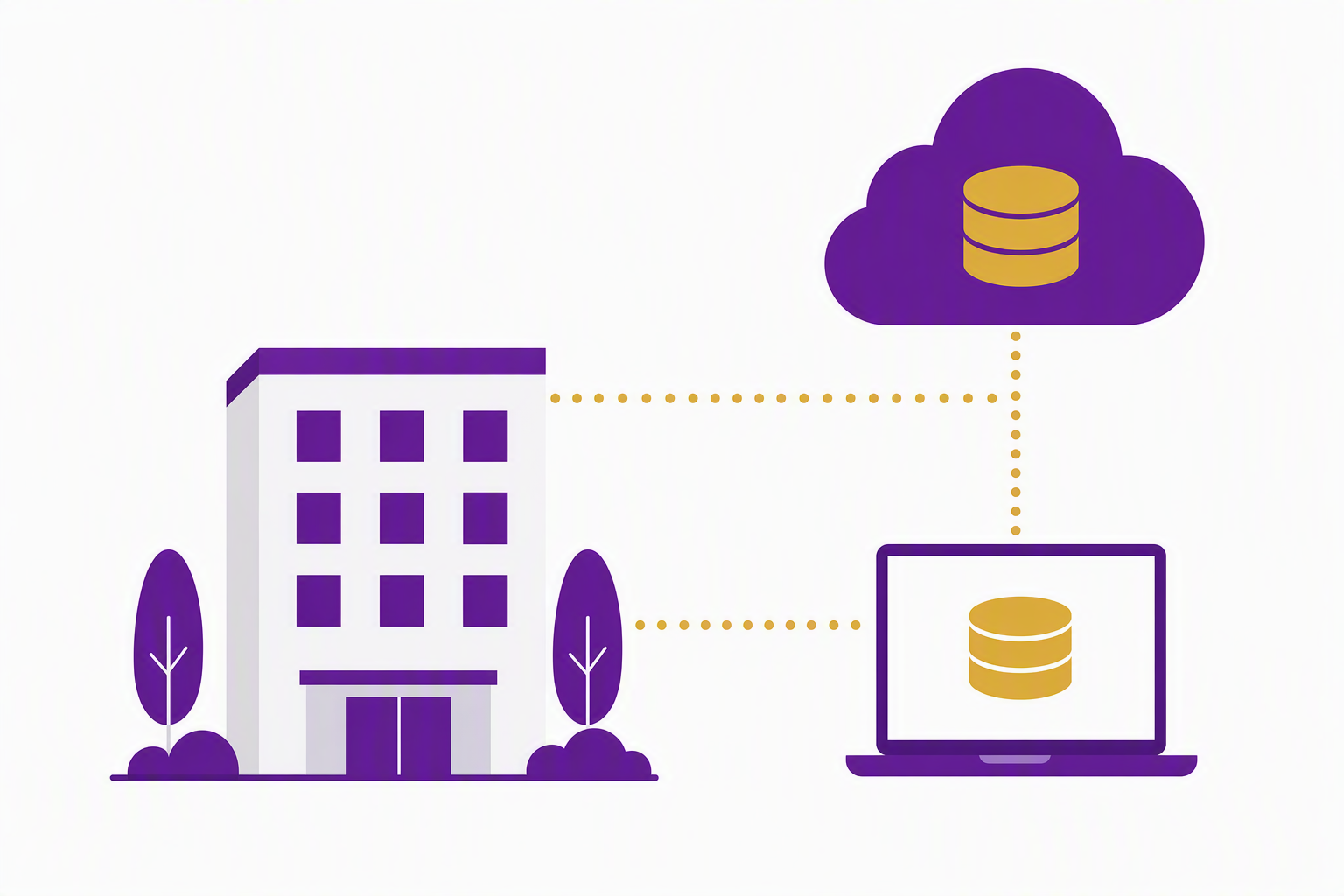
The first and most important question: where does your data actually live right now? If the honest answer is "on the computer in my office," that's your number one fix before storm season peaks.
Confirm your backups are stored off site or in the cloud, not just on a local server or an external drive sitting next to that same server.
Test that you can actually restore a file. A backup job reporting success overnight isn't the same as knowing you can get a file back when you need it.
Know your recovery time. If the power goes out for a week, how long would it take to get your systems back up somewhere else? An hour? A day? If nobody's told you, that's a conversation to have now, not when the storm is bearing down.
Make sure at least one person outside the immediate area (an accountant, a partner, a family member out of state) has a way to access critical files if your whole team is dealing with storm damage.
This is the difference between a bad week and a bad year for a small business. Studies on disaster recovery consistently show that companies without a data recovery plan face a dramatically higher failure rate after a major outage. You don't want to be the case study.
2. Power, Internet, and Connectivity
Second piece: assume you'll lose power and internet at your office. That's not pessimism, it's just how it goes here most years.
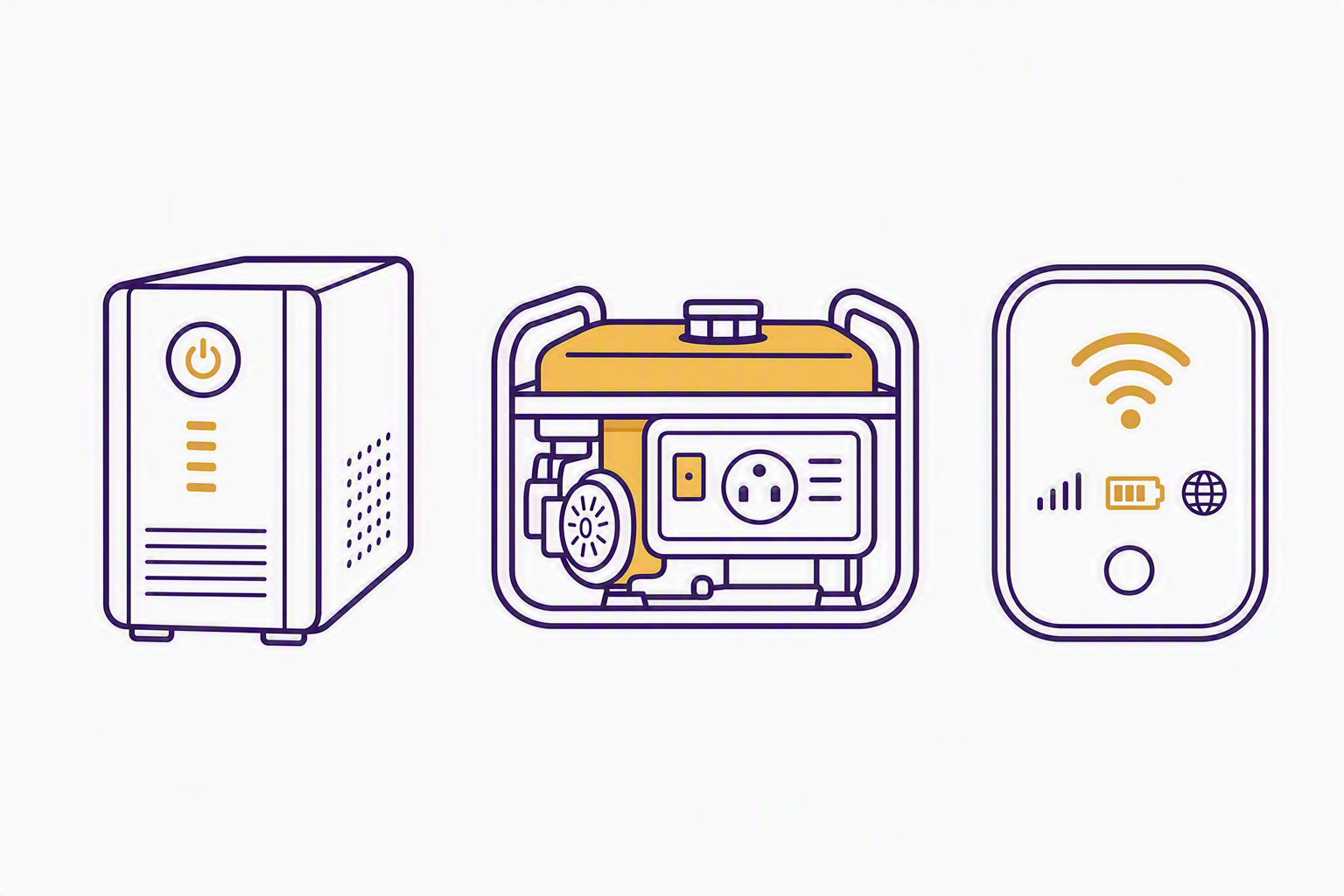
A UPS battery backup on your server or key equipment buys you a clean shutdown instead of a corrupted one. It's a small investment that prevents a very expensive problem.
Know which of your team members can work from home or a hotspot if the office is closed. If your systems only work from inside the building, that's a gap worth closing before next June.
Cloud-based tools (Microsoft 365, cloud phone systems, cloud accounting) mean your team can keep functioning even if your physical office is dark.
If you're depending on a VPN to reach anything, make sure it's tested and that more than one person knows how to use it.
We see this constantly: a business has great intentions, but everything is tied to one physical location and one person who knows how it all works. That's a single point of failure, and hurricanes are exactly the kind of event that expose those single points of failure, usually at the worst possible time to find them.
3. Keeping Communication Running
Third: your phones. If your office phone system goes down with the power, your customers get dead air, and dead air during a crisis is when people start calling your competitors.
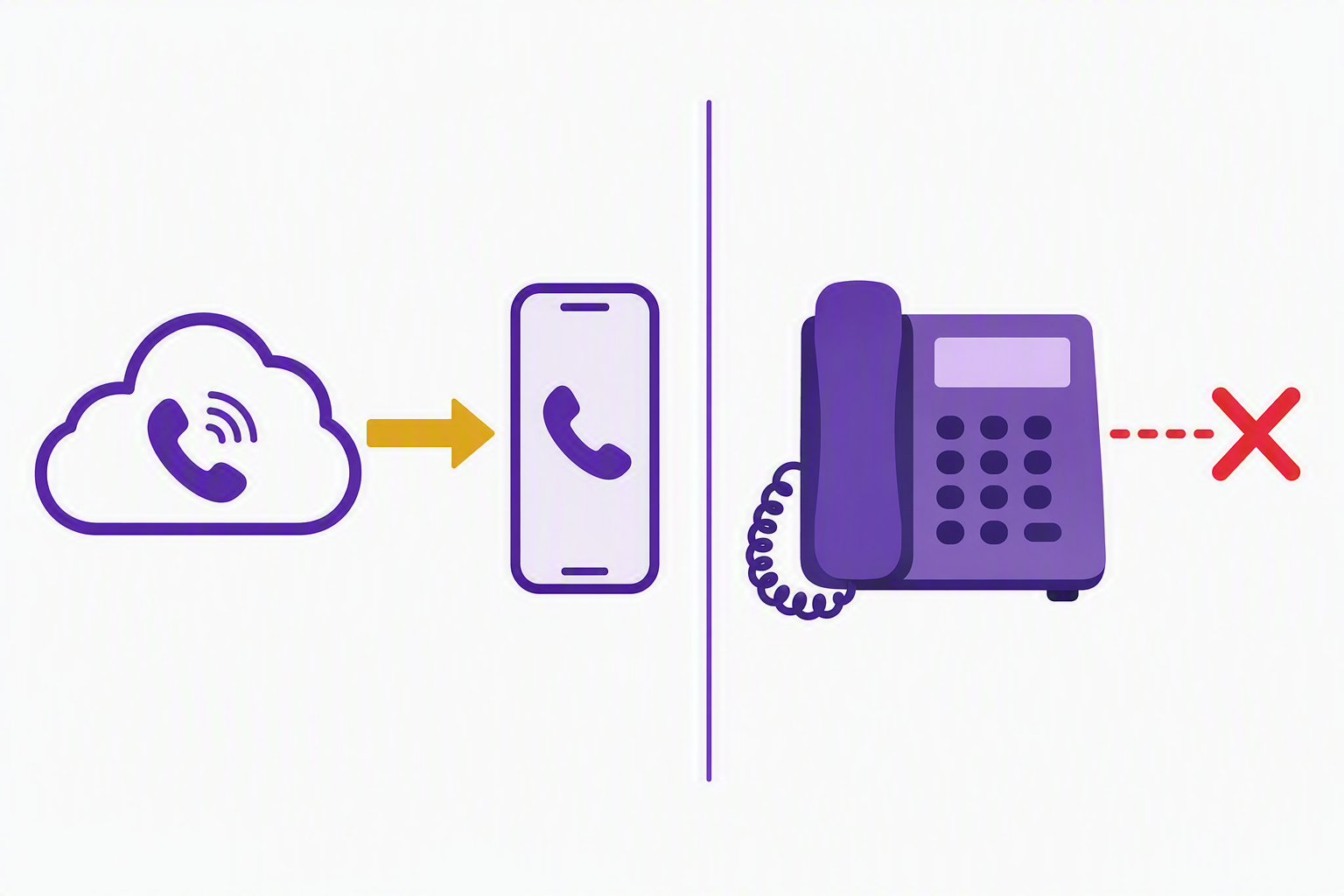
If you're on a cloud-based VoIP system, calls can typically forward to a cell phone automatically. If you're on an old-school phone line tied to a physical box in your office, that call just doesn't go anywhere.
Set up an auto-reply or voicemail message ahead of time that you can activate quickly, letting customers know you're aware of the storm and when to expect a response.
Make sure your team has a simple way to reach each other that doesn't depend on office Wi-Fi. A group text thread or shared chat app works fine.
None of this needs to be complicated. It just needs to be decided before the storm, not during it.
4. Security Doesn't Take a Storm Day
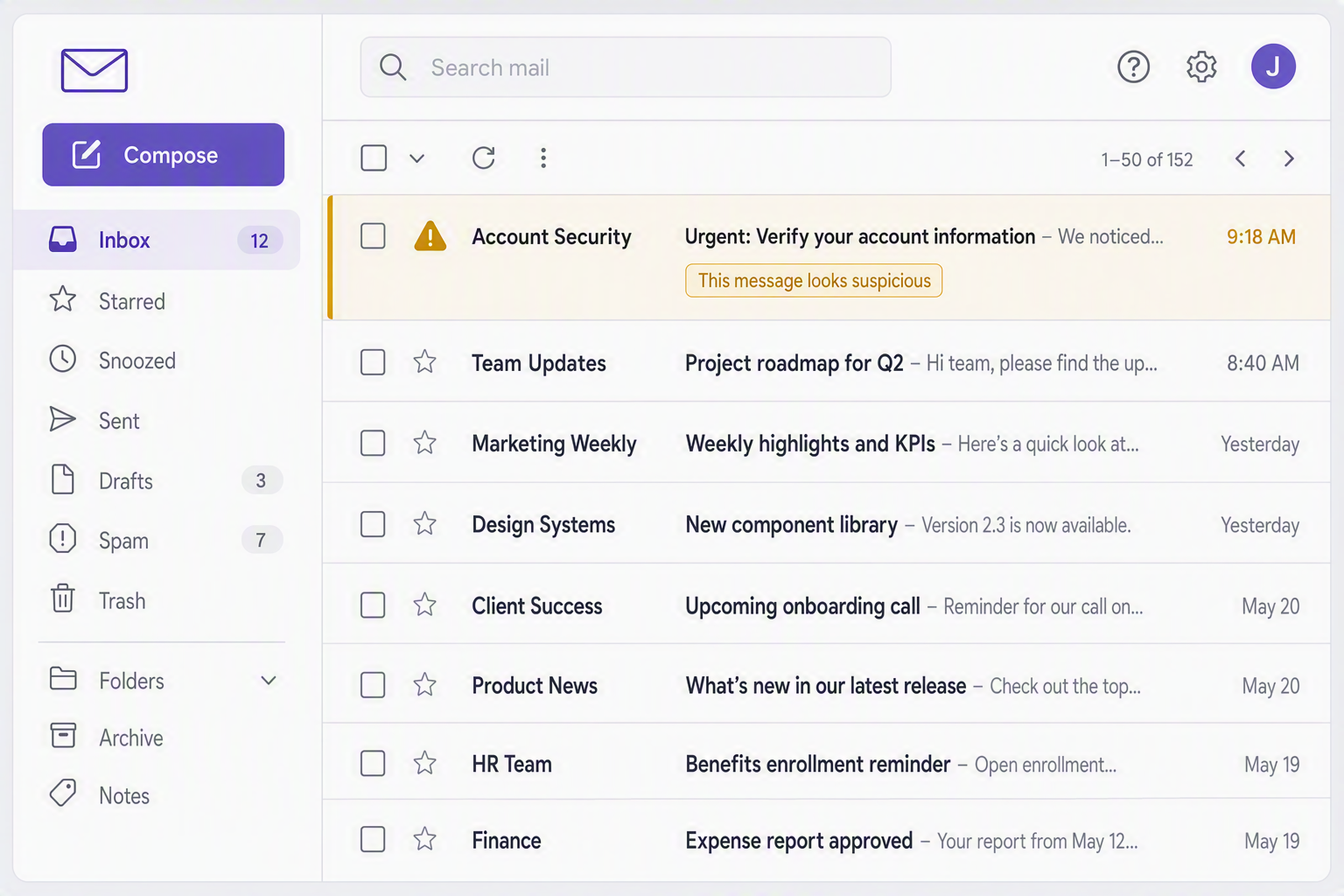
Here's the part people don't expect: cybercriminals treat hurricane season as an opportunity, not a pause. When your team is distracted, working from unfamiliar locations, and dealing with a disruption, that's exactly when a phishing email claiming to be from FEMA, your insurance carrier, or even your own IT provider is most likely to land.
Remind your team before the storm: nobody legitimate will ask for a password or a wire transfer over email during a crisis. If it feels urgent and unusual, slow down and verify by phone.
If your team is working remotely during recovery, make sure they're still using multi-factor authentication and a secured connection, not just whatever open Wi-Fi is available.
If your office is physically damaged, don't forget the equipment itself. A laptop or server that isn't encrypted is a data breach waiting to happen if it's stolen from a flooded or abandoned building.
This is the piece that surprises people most, but it's consistent every single storm season. Bad actors don't wait for calm weather.
5. Document It, Especially If You Carry Cyber Insurance
Last piece, and this one matters more every year. If you carry a cyber insurance policy, or you're required to under any state or industry regulation, your ability to actually collect on a claim can depend on whether you can show your safeguards were in place before the incident, not scrambled together after.
Take screenshots or keep records showing your backup configuration, your MFA settings, and your security tools are active, dated before storm season.
Know where your written policies live: your incident response plan, your business continuity plan, if you have them. If you don't have them yet, that's worth putting on your list.
If a storm does cause a security incident or data loss, document what happened and when. That record is what separates a smooth claim from a denied one.
For Florida insurance agencies specifically, this documentation step overlaps directly with the safeguards required under Rule 69O-128.032. Having it in order isn't just good practice, it's part of staying compliant. This one step, having your documentation in order, is the single most overlooked piece of storm prep we see, and it's the one with real financial consequences when it's missing.
The Short Version
Get your data backed up somewhere other than your office. Plan for power and internet loss. Make sure your phones and your team can still communicate. Keep security tight, especially when things are chaotic. And document what you've got in place before you need it.
If you're a business here in the Tampa Bay area and you want a second set of eyes on your setup before storm season peaks, we offer a free on-site consultation for local businesses.
Call (813) 519-3076 or email jshapiro@maineventmsp.com to schedule your free consultation.
